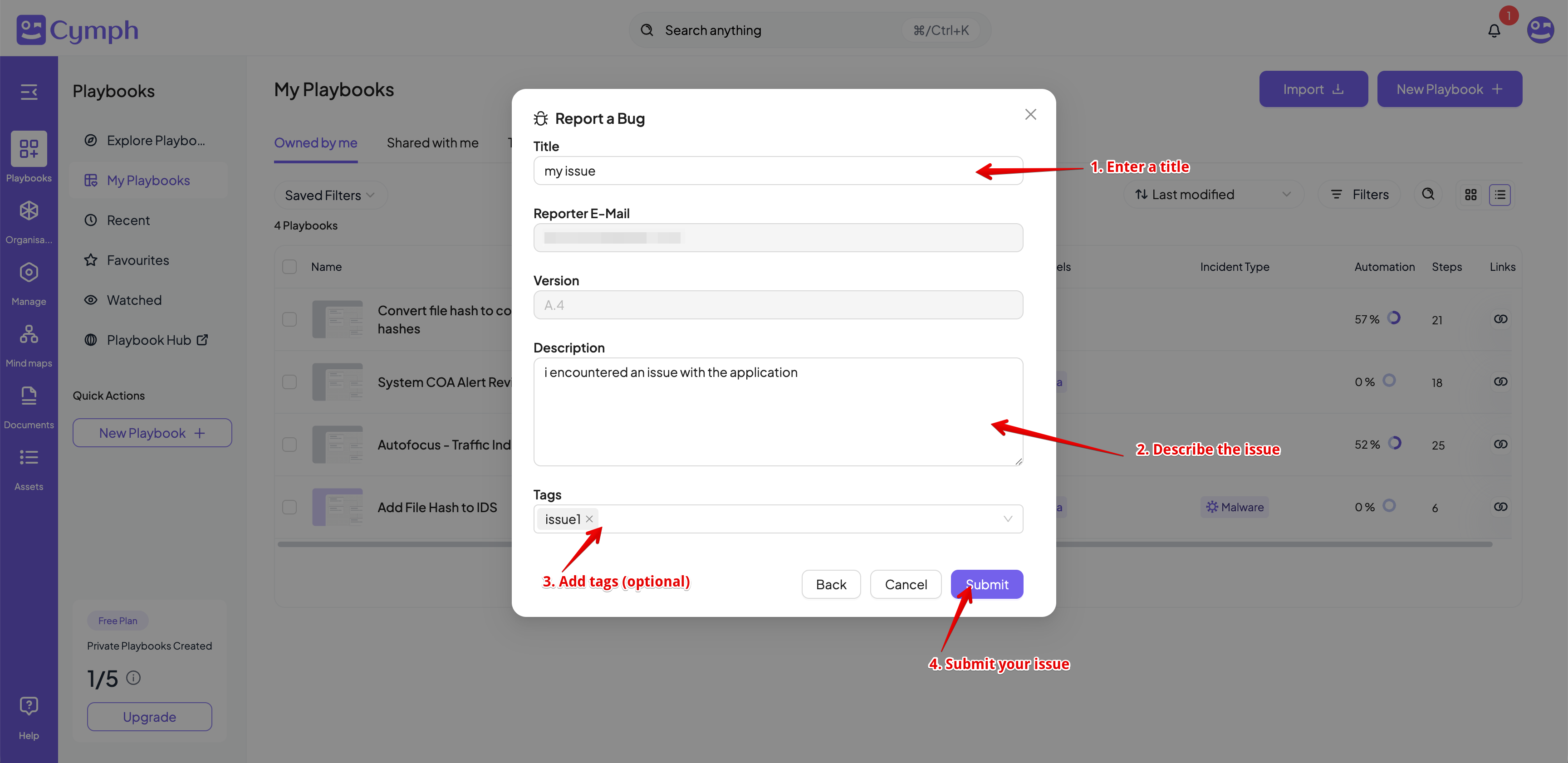
- Open the Account menu.
- Click on your avatar in the top right corner.
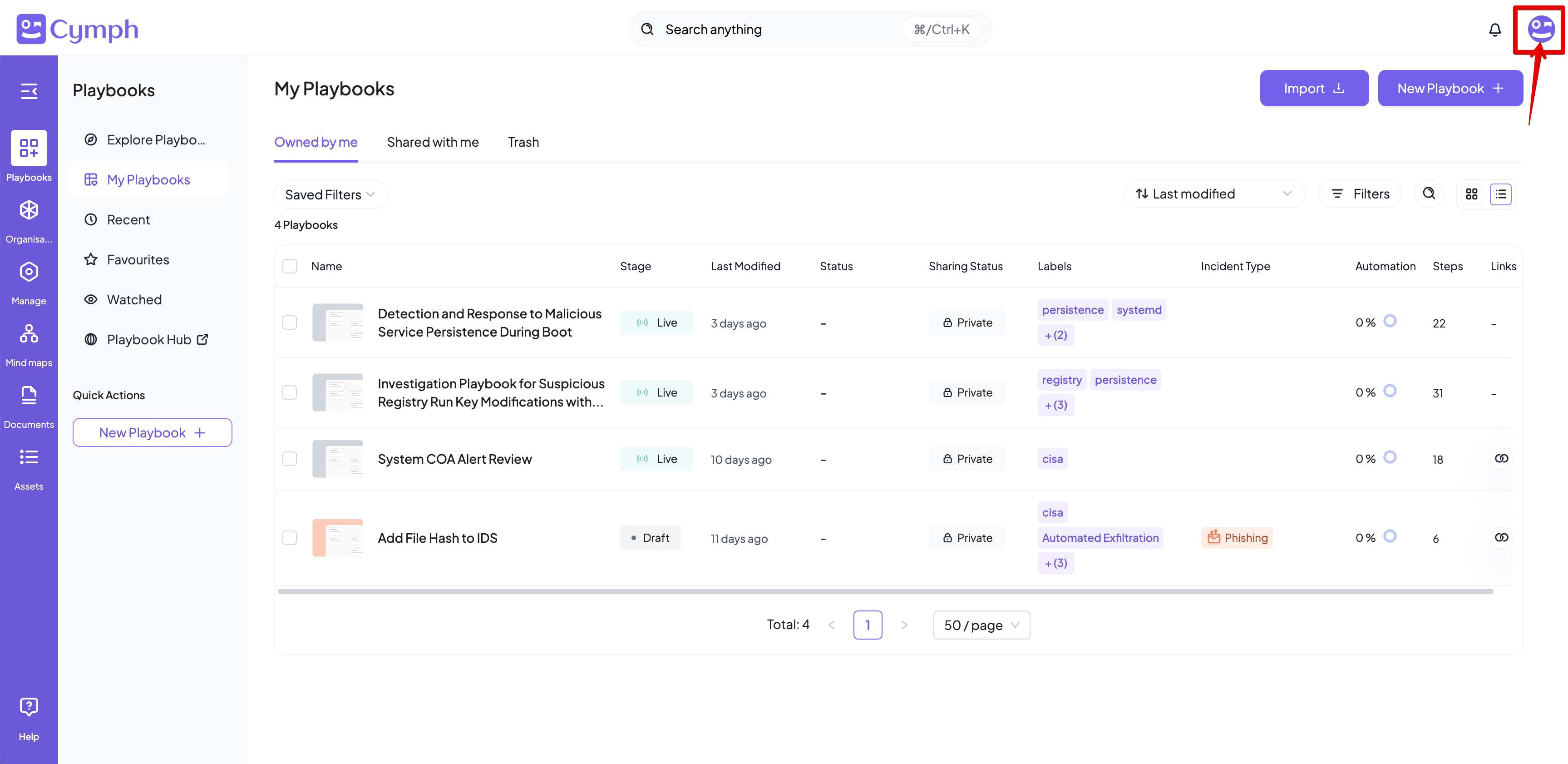
- Go to About dialog box.
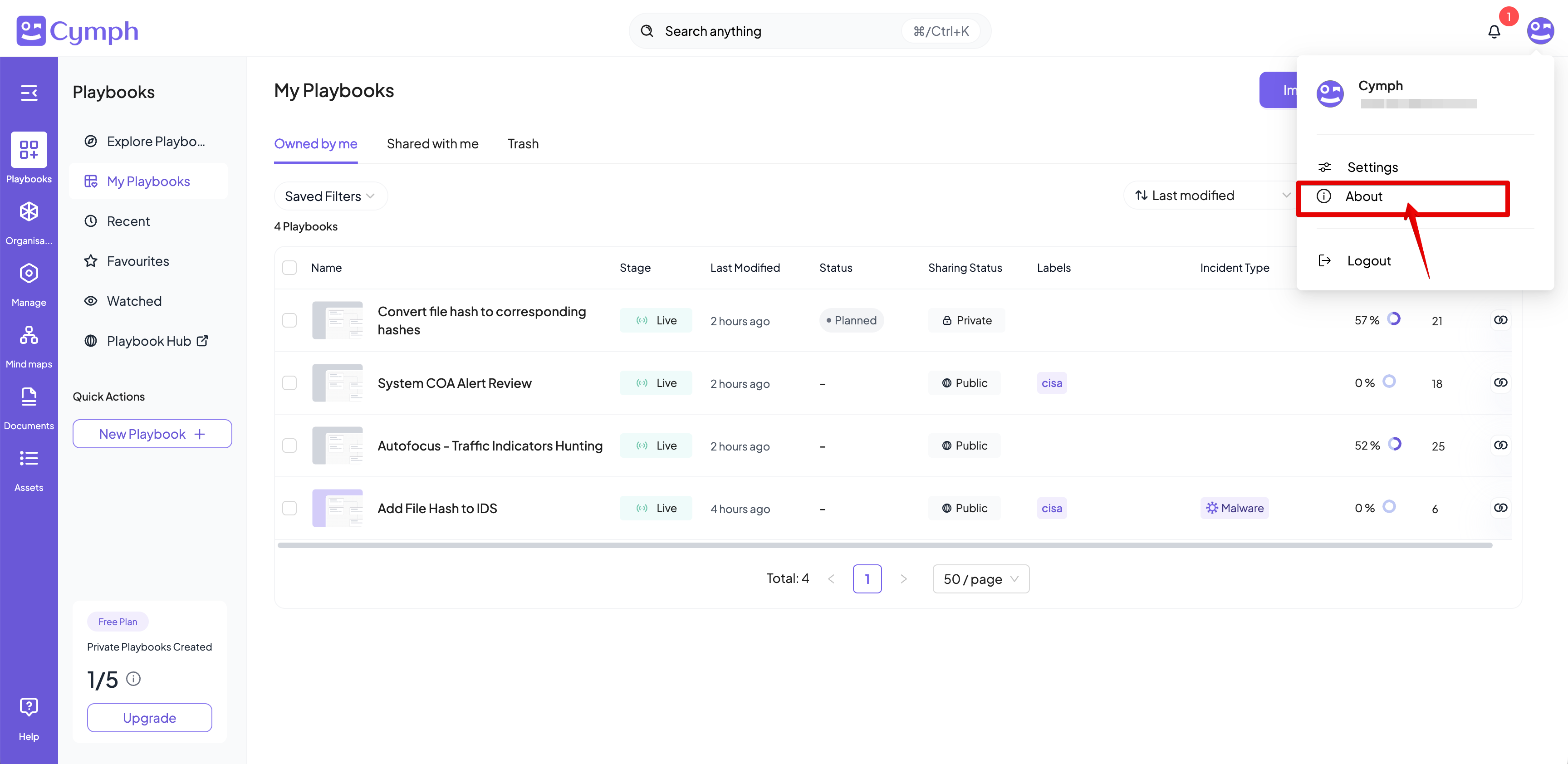
- Click the Bug Report button.
- The Bug Report form will appear.
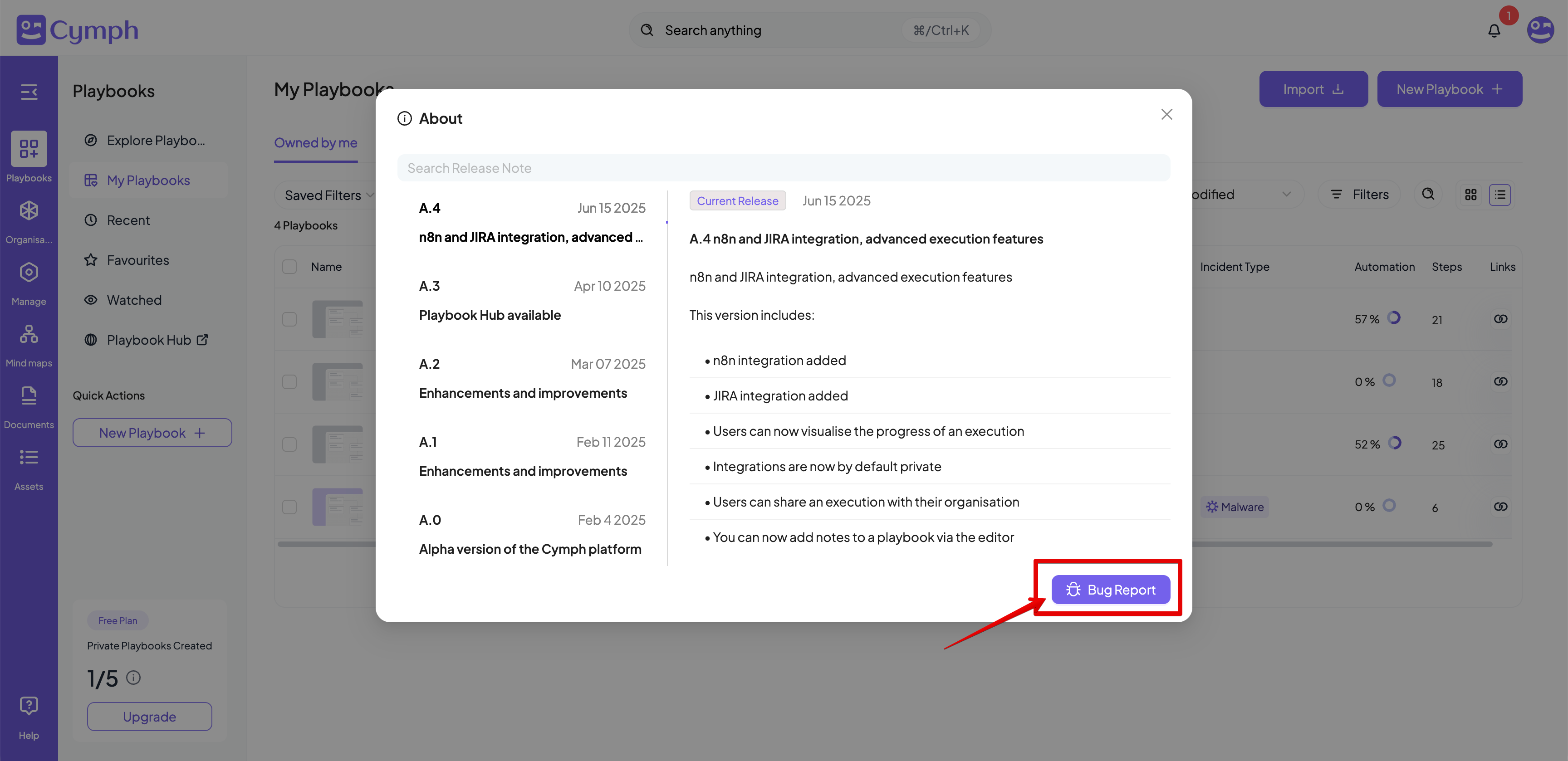
- Insert a title and a description for your issue.
- Add tags to your issue (optional).
- Click the Submit button.