

How to edit your notification settings
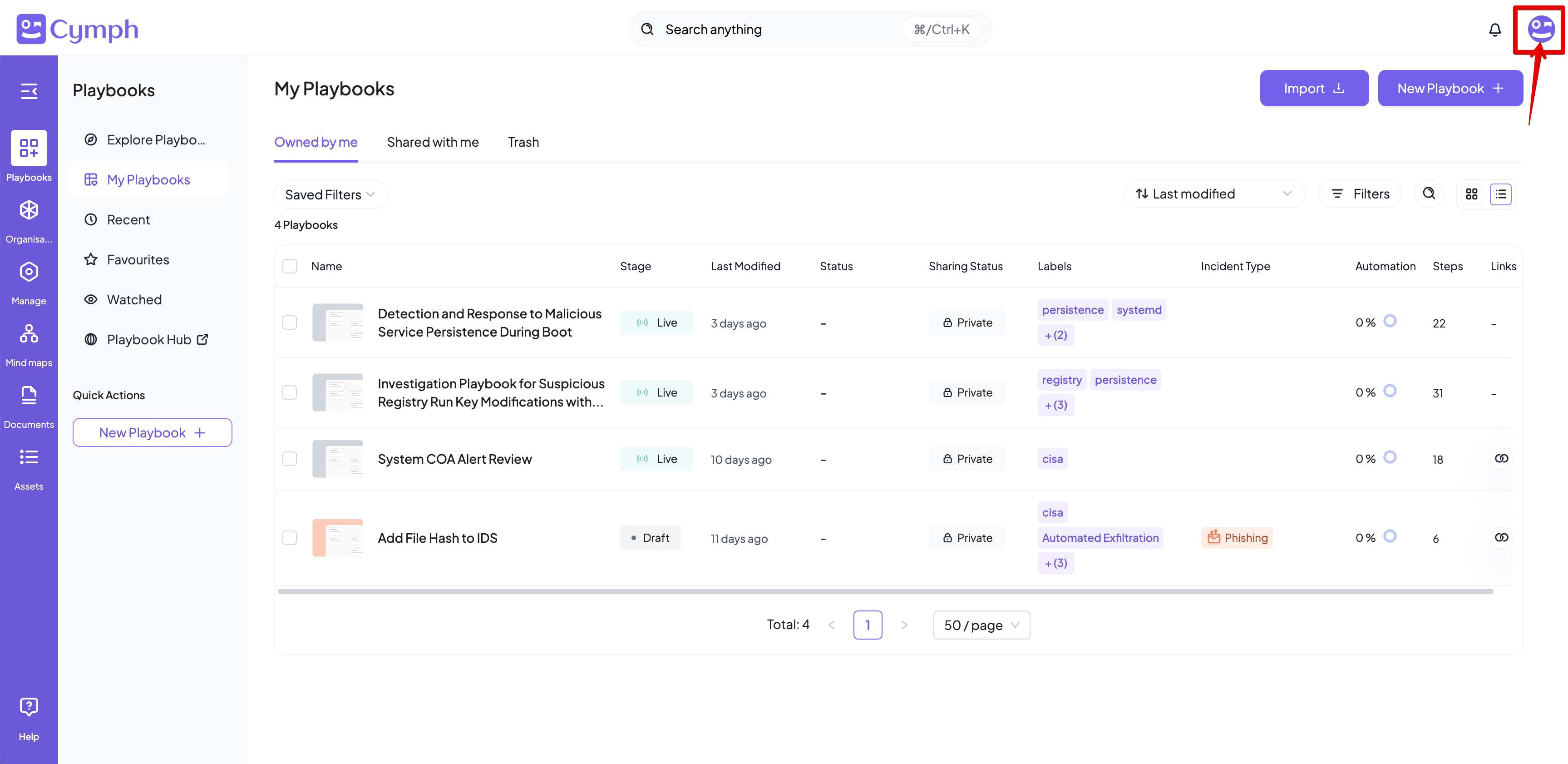
- Go to your profile menu.
- Click your profile picture on the top right corner of the dashboard.
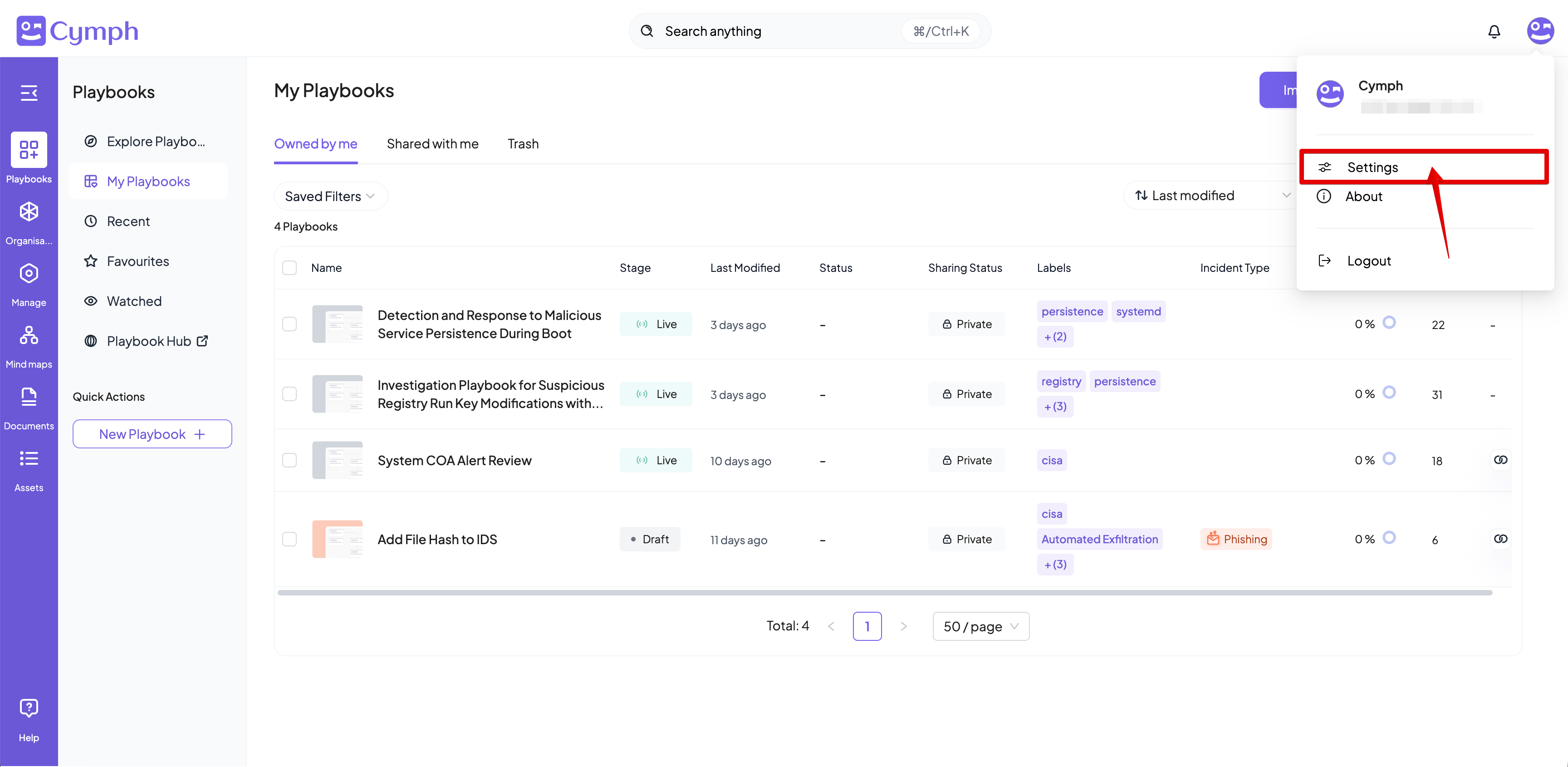
- Go to your settings.
- Click Settings.
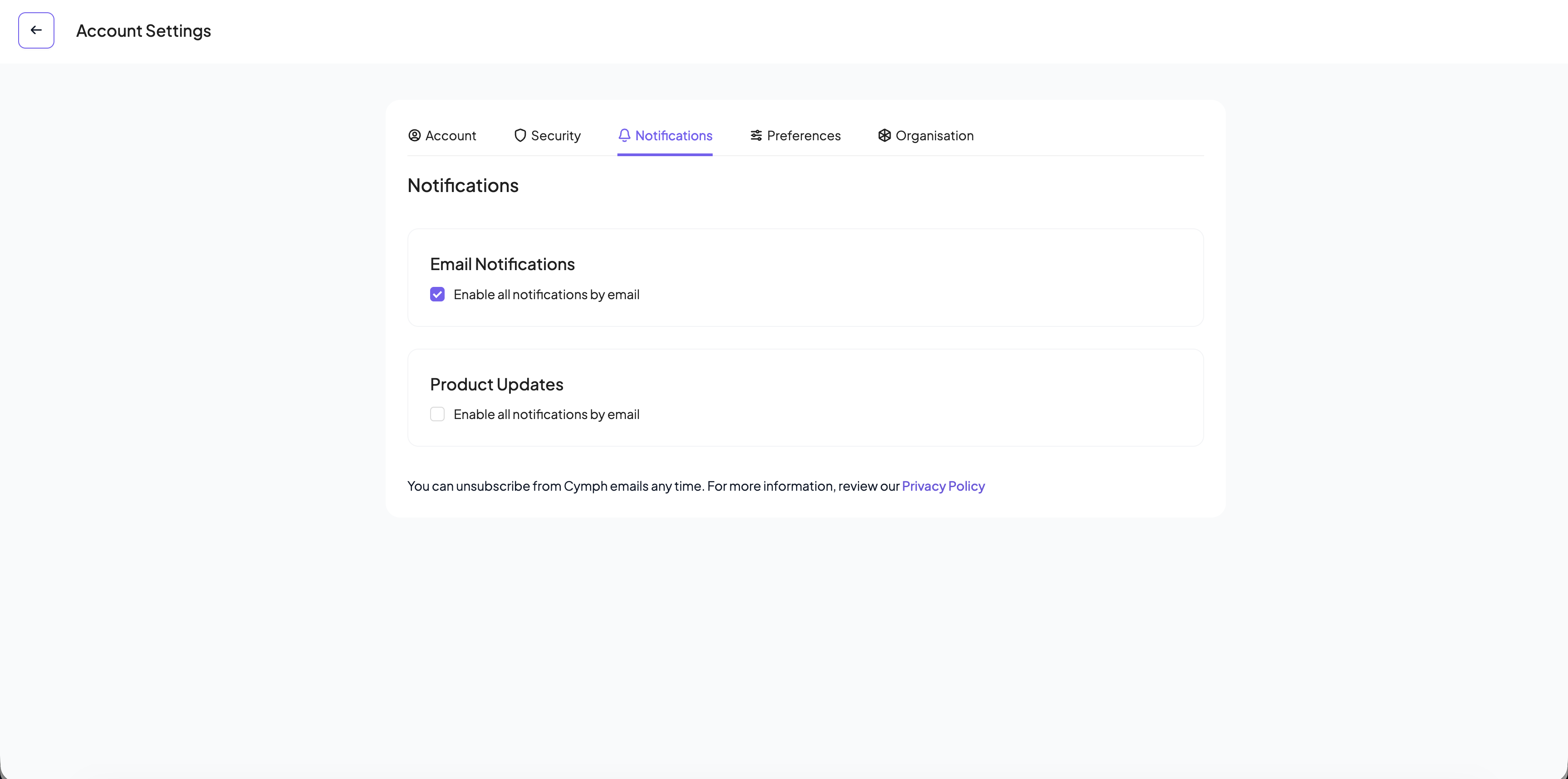
- Go to the notification settings.
- Click the Notifications tab of the settings panel, if not selected already.
- Edit your notification settings.
- Change your email notification settings. Check or uncheck the box next to “Enable all notifications by email” to opt-in or opt-out from email notifications respectively.
- Change your product notification settings. Check or uncheck the box next to “Send me occasional emails with updates and promotions from Cymph” to opt-in or opt-out from email regarding product tips and news respectively.
These settings control your own email notifications. Notifications sent to a Slack channel are configured for the whole organisation — see the Slack integration.