

How to sign up to Cymph
- Visit the URL of your Cymph installation
- From the Login/Signup Page select Sign Up
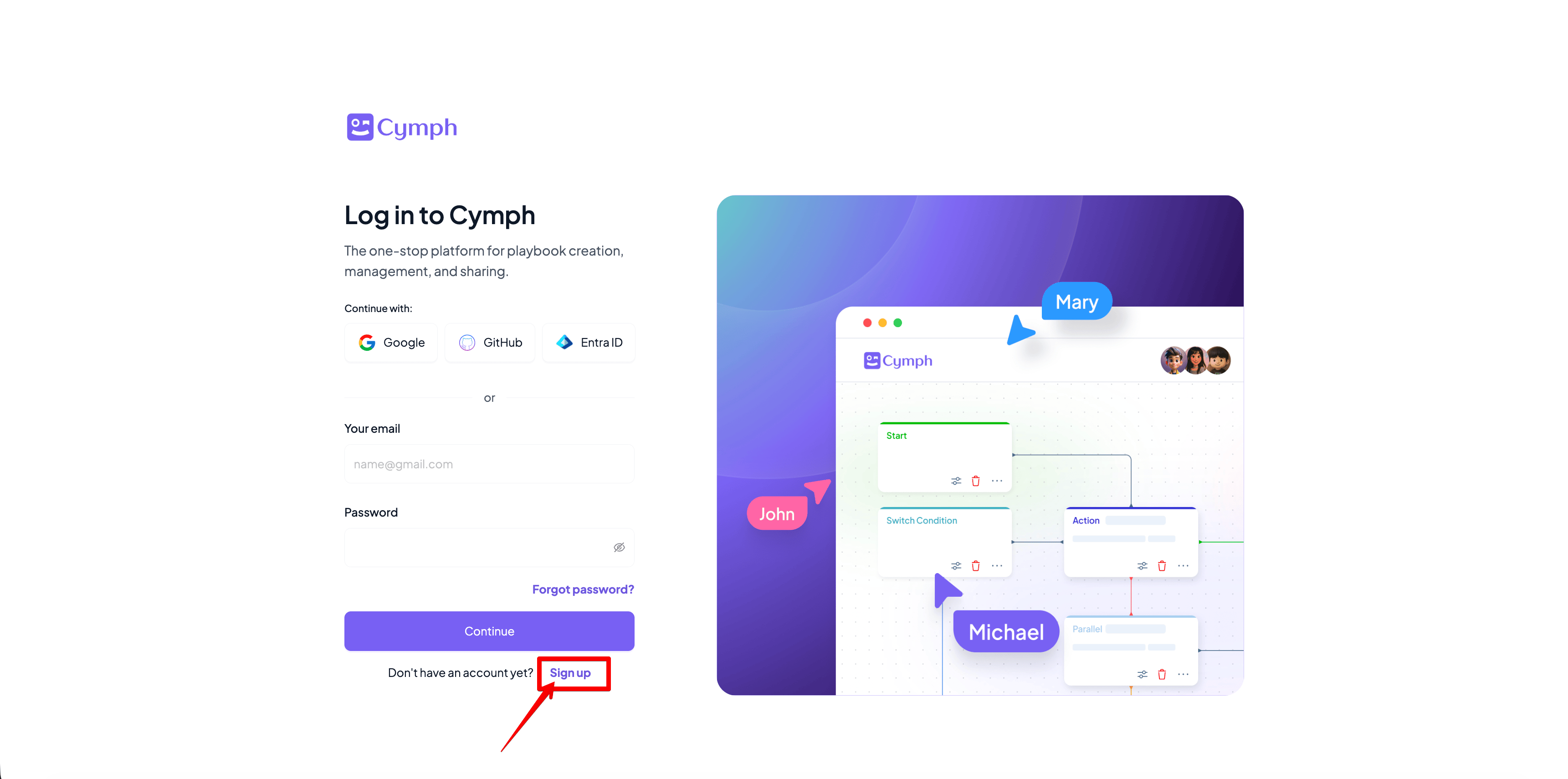
- There are multiple options to create your account
- Sign up with GitHub
- Sign up with Google
- Signup with Entra ID
- Create an account with your personal email
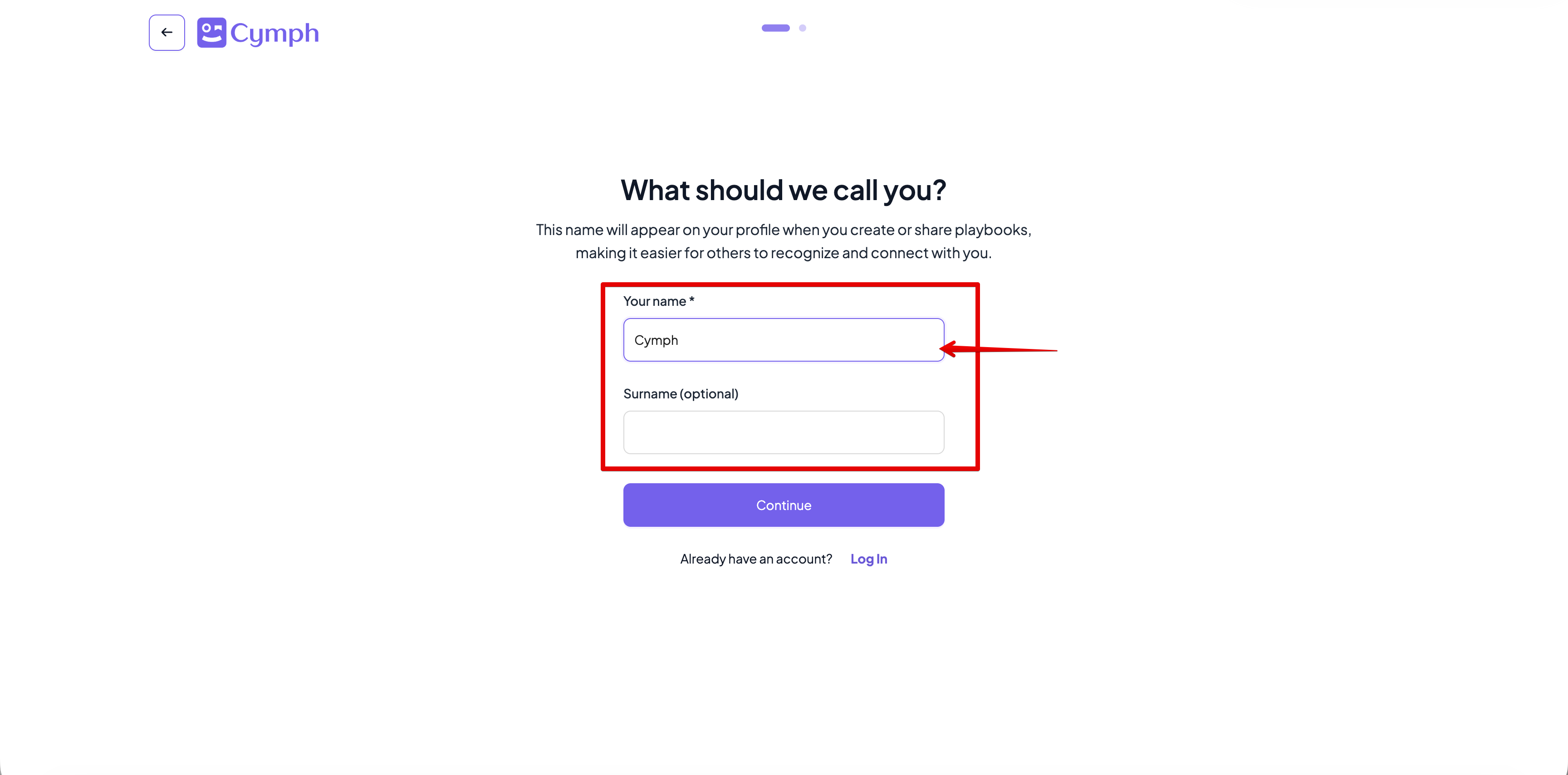
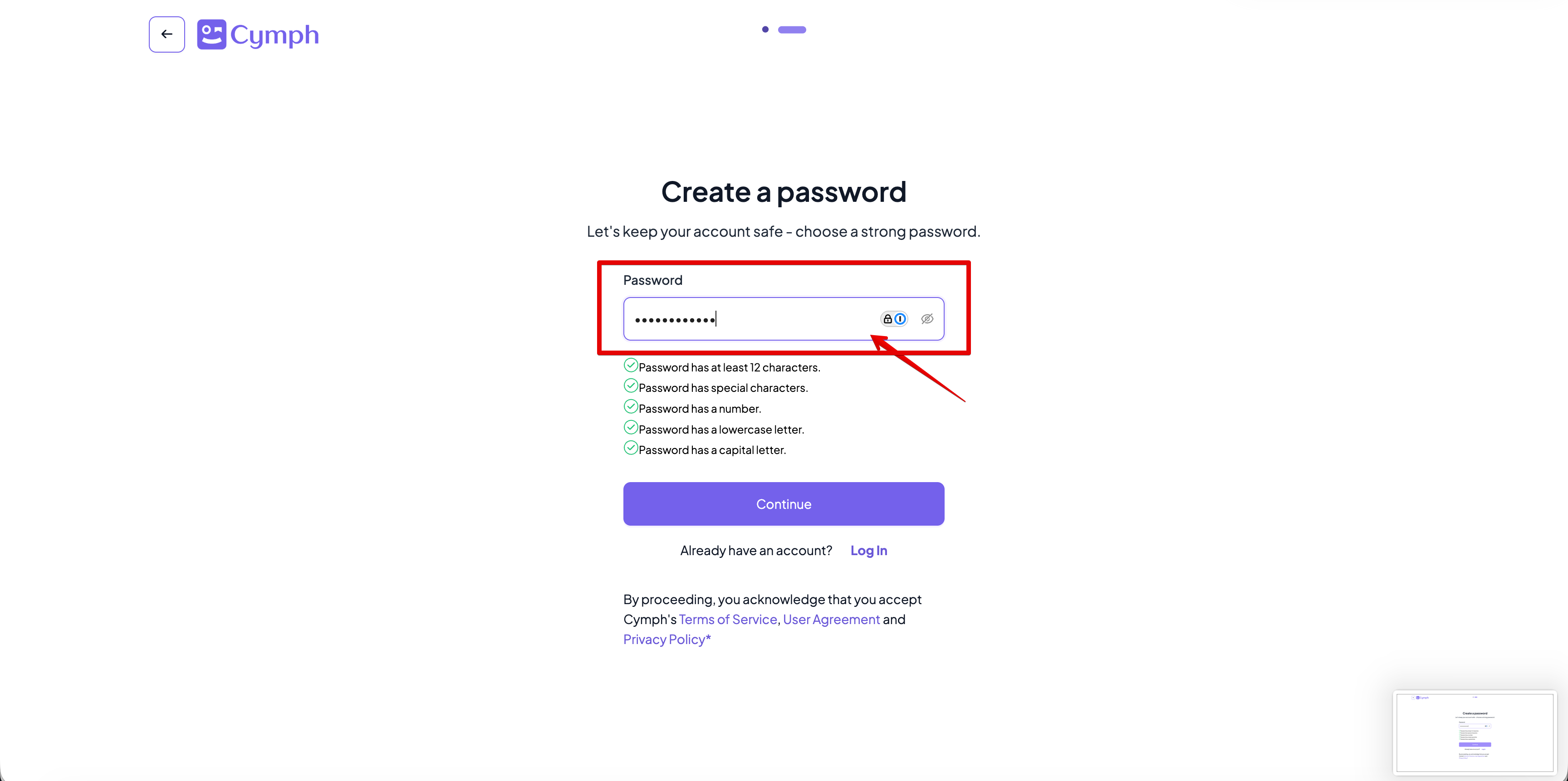
- Creating an account with personal email (step 3c) will require additional information to be provided a. Your name (required) and surname (optional)
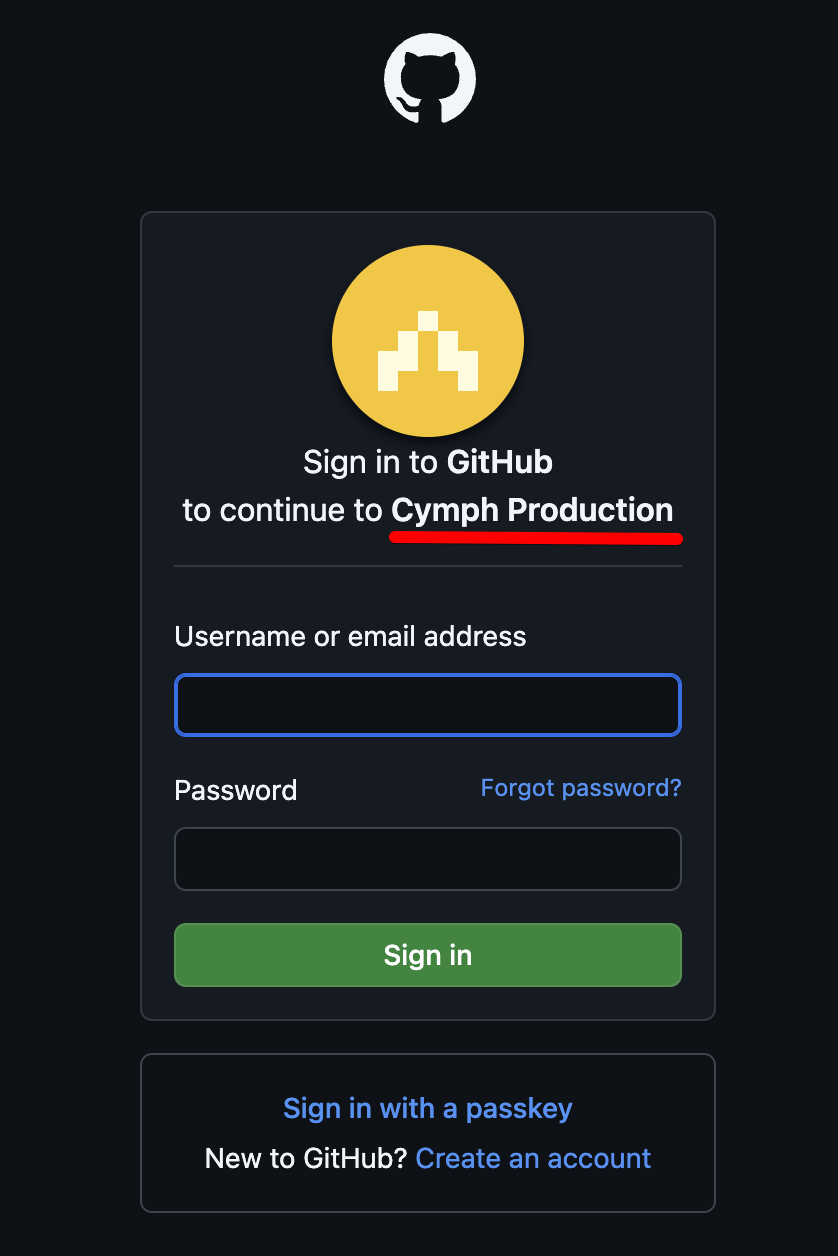
- Creating an account with GitHub OAuth (step 3b) will redirect the user to login to its GitHub account and allow then continue to Cymph’s Platform
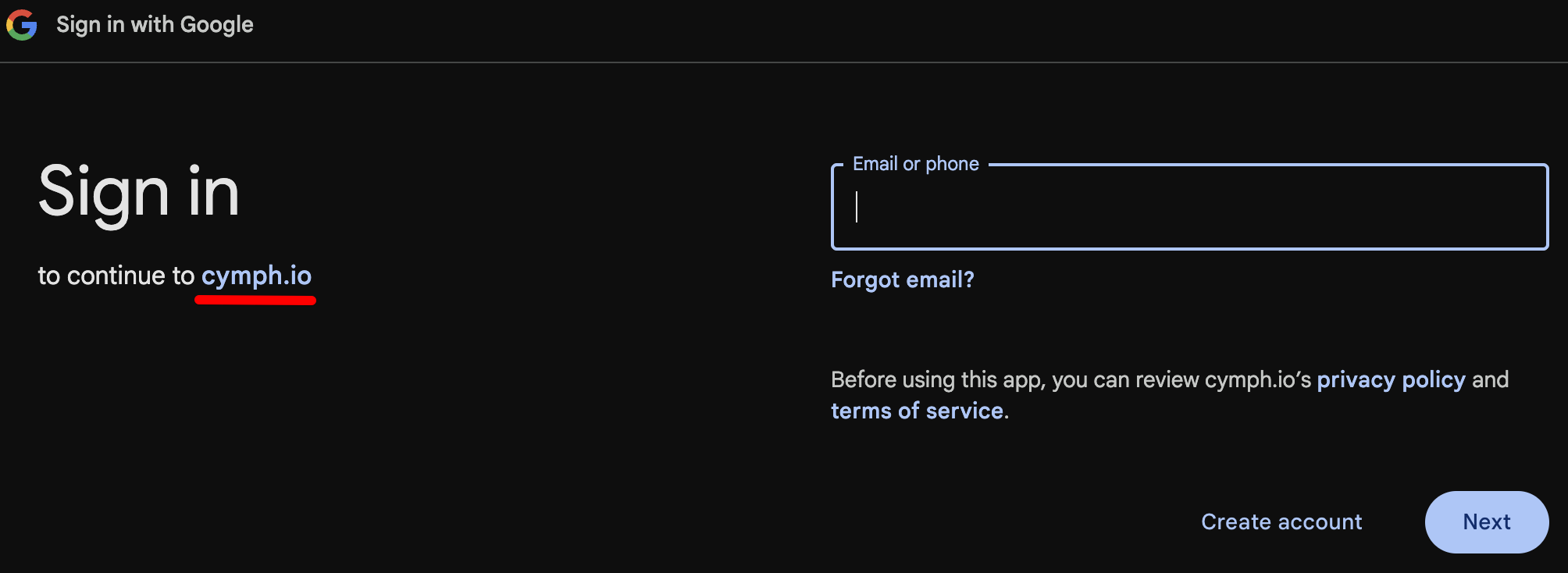
- Creating an account with Google OAuth (step 3c) will redirect the user to login to its Google account and allow then continue to Cymph’s Platform
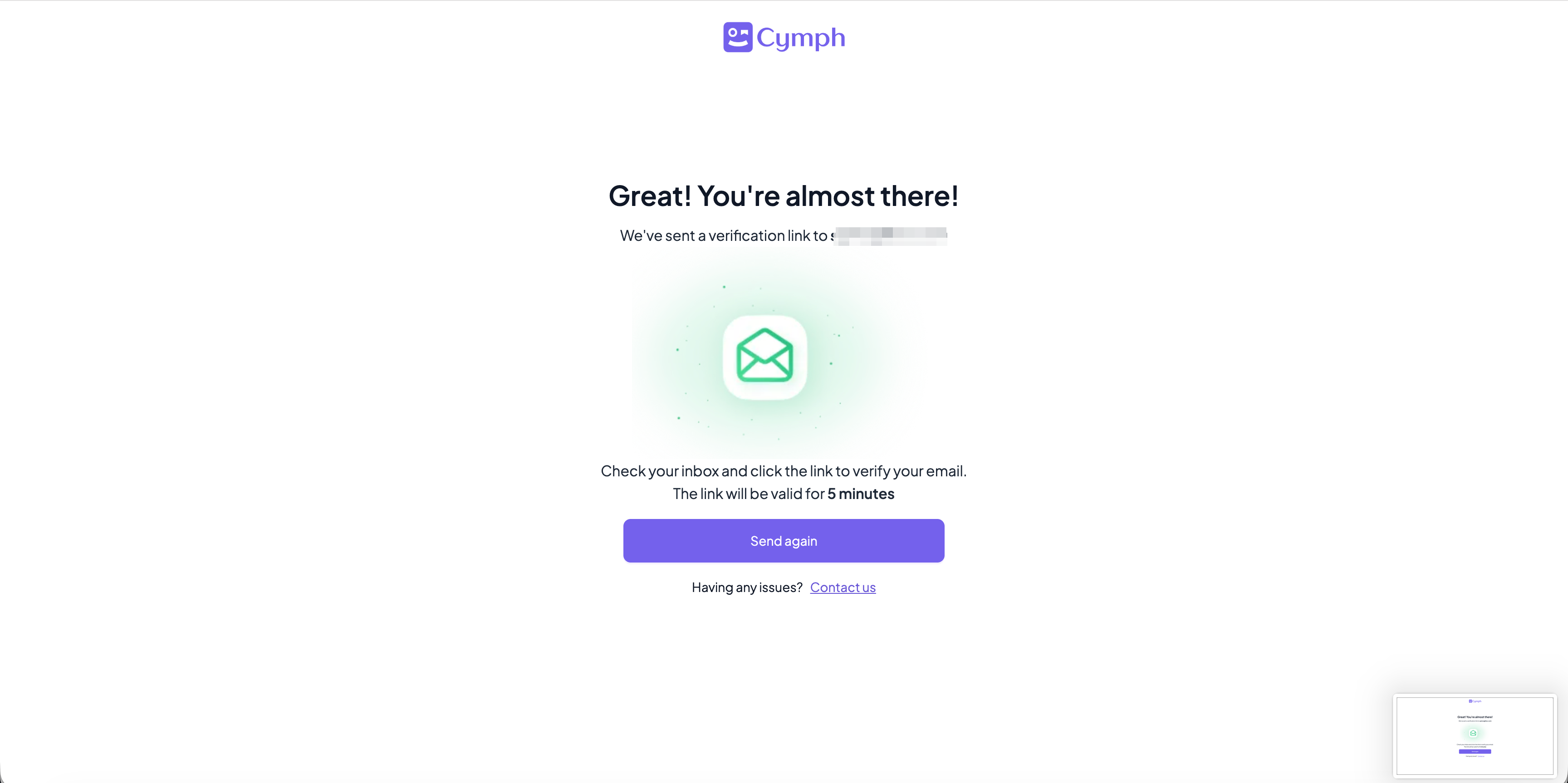
- At the end of the signup process, the user will be redirected back to the login page so the user can login and use the Cymph platform.