Viewing a playbook
By clicking on an entry in the playbook Hub, you will be redirected to the public page of the playbook, like the one displayed below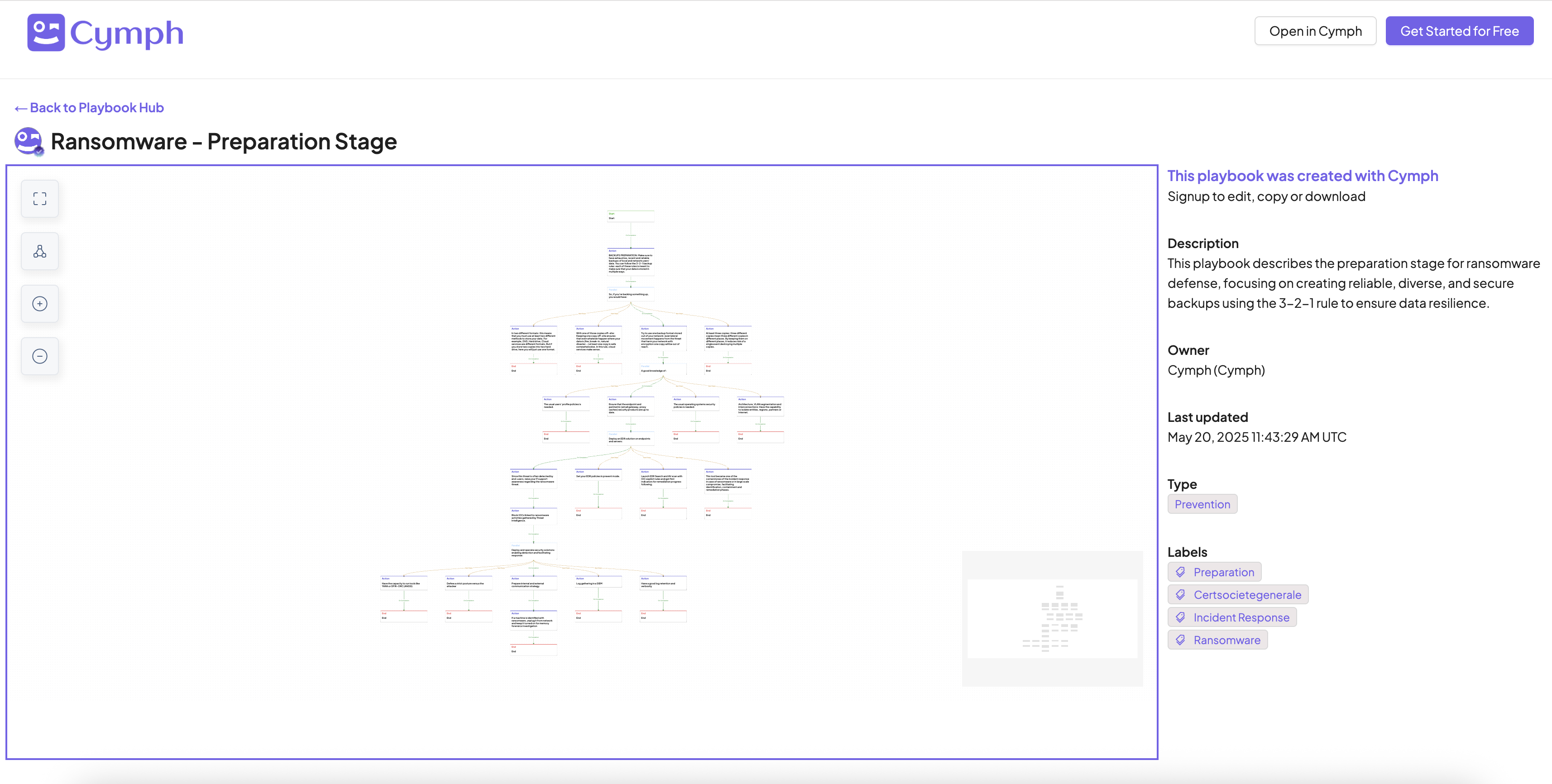
Opening a playbook in Cymph platform
Once on the public page of a playbook, you can click on Open in Cymph button to open the playbook in the application editor. If you are not logged in, you will be redirected to the login screen.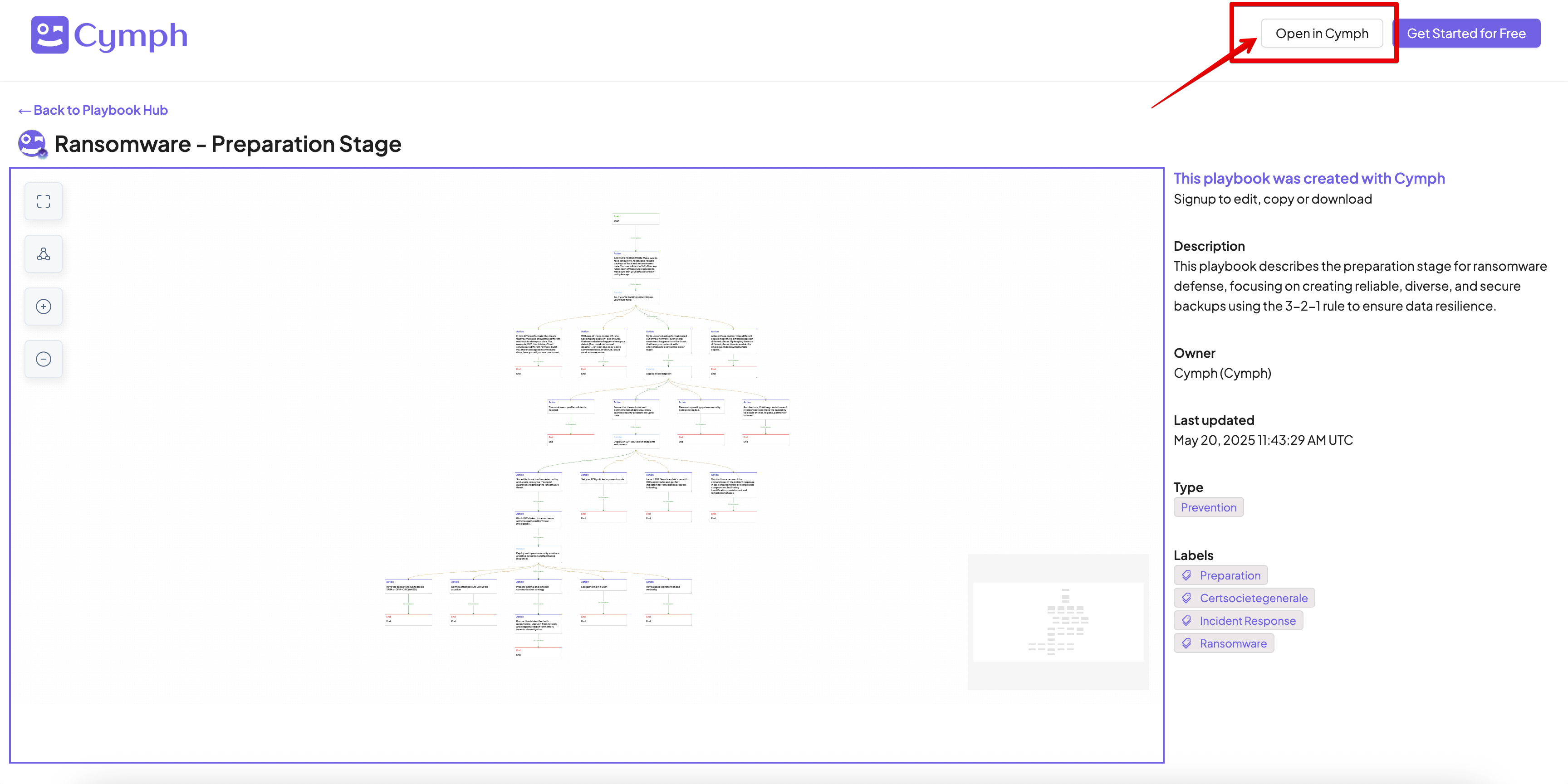
Filtering by playbook type
From the left-side bar of the Playbook Hub select the types that will be displayed. Once a type is checked or unchecked, the contents will be automatically refreshed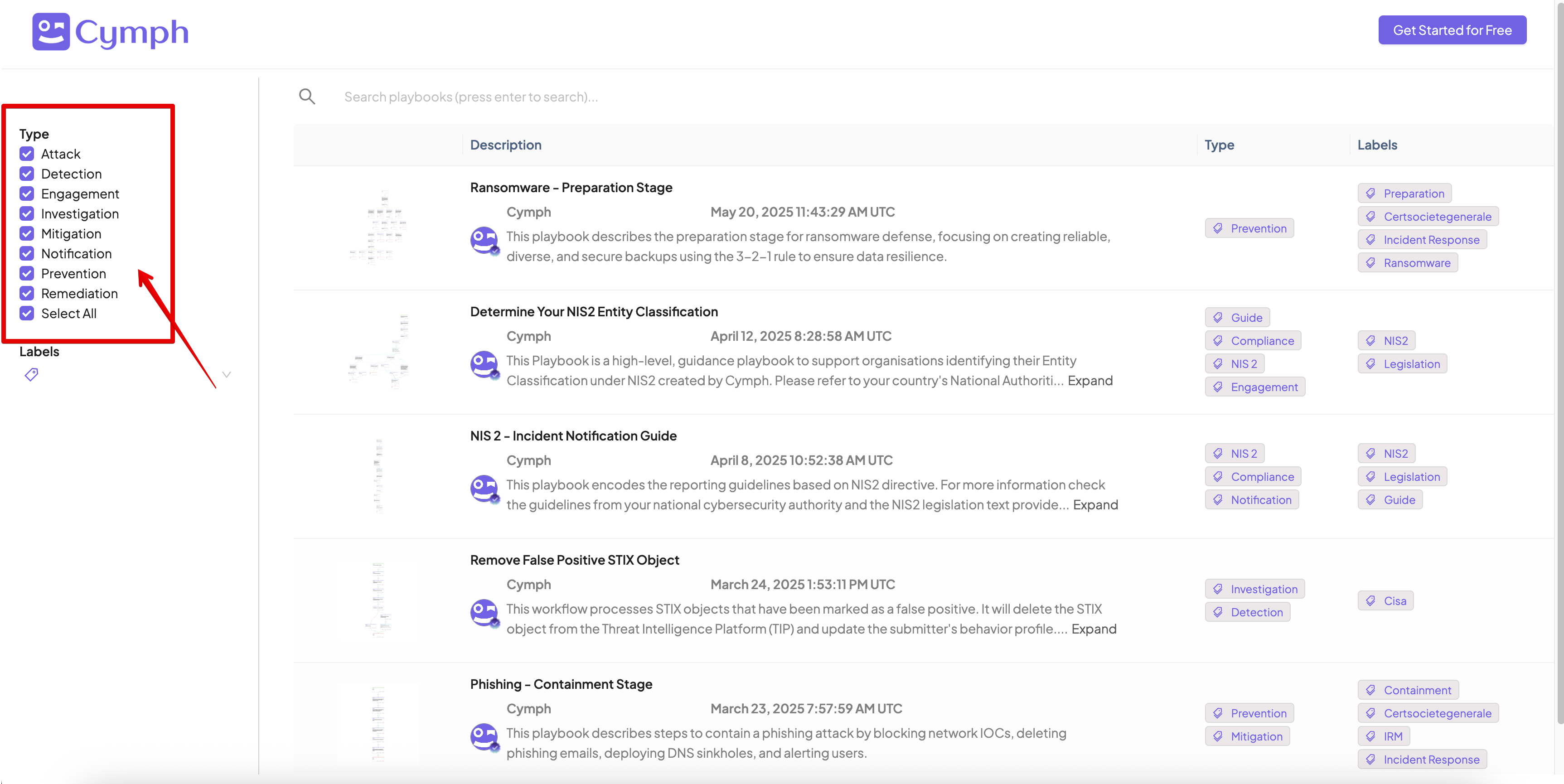
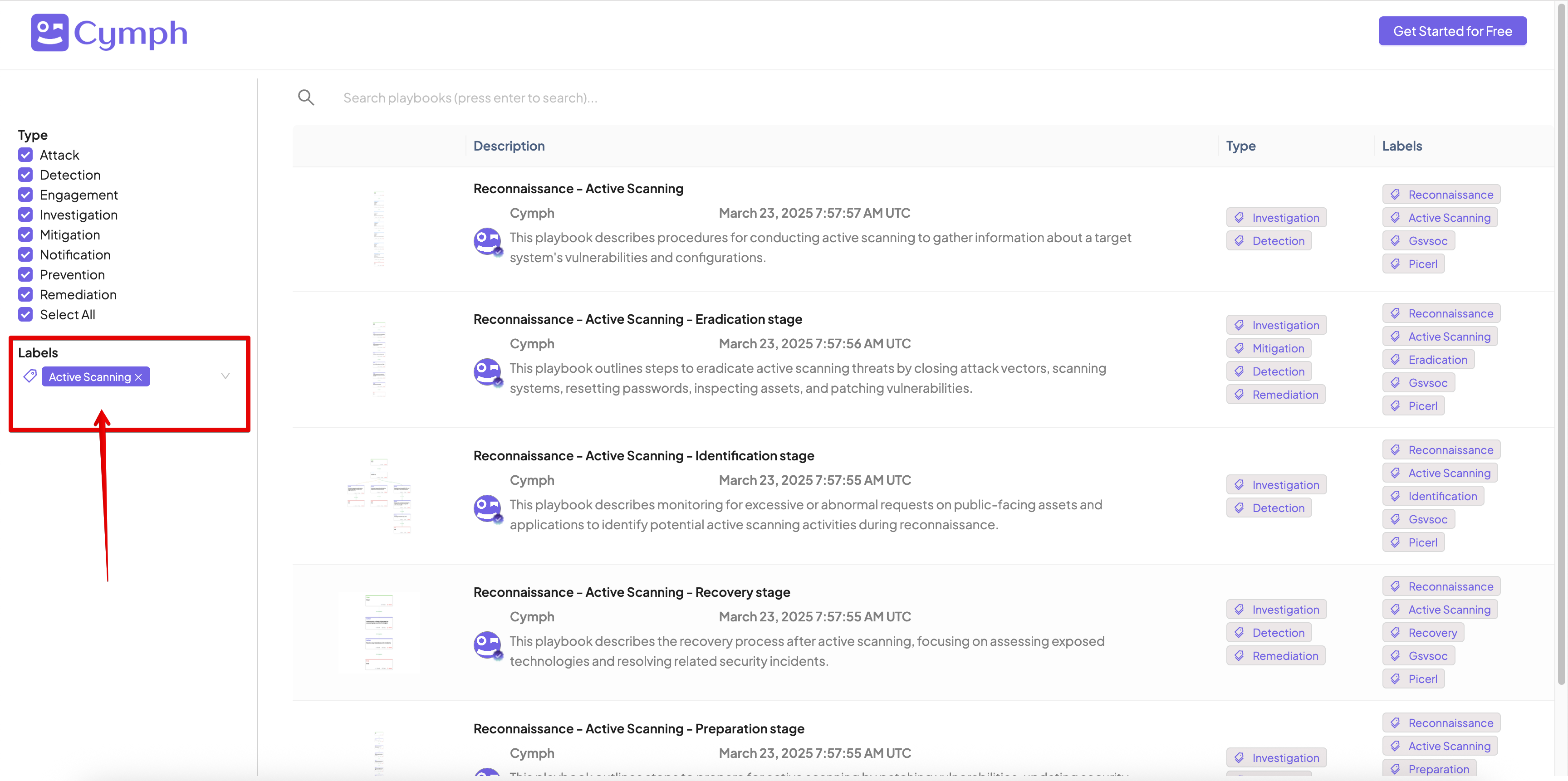
Filtering by playbook labels
From the left-side bar of the Playbook Hub select the labels that will be used for filtering. Once a label is added or removed, the contents will be automatically refreshed.