Filtering playbooks
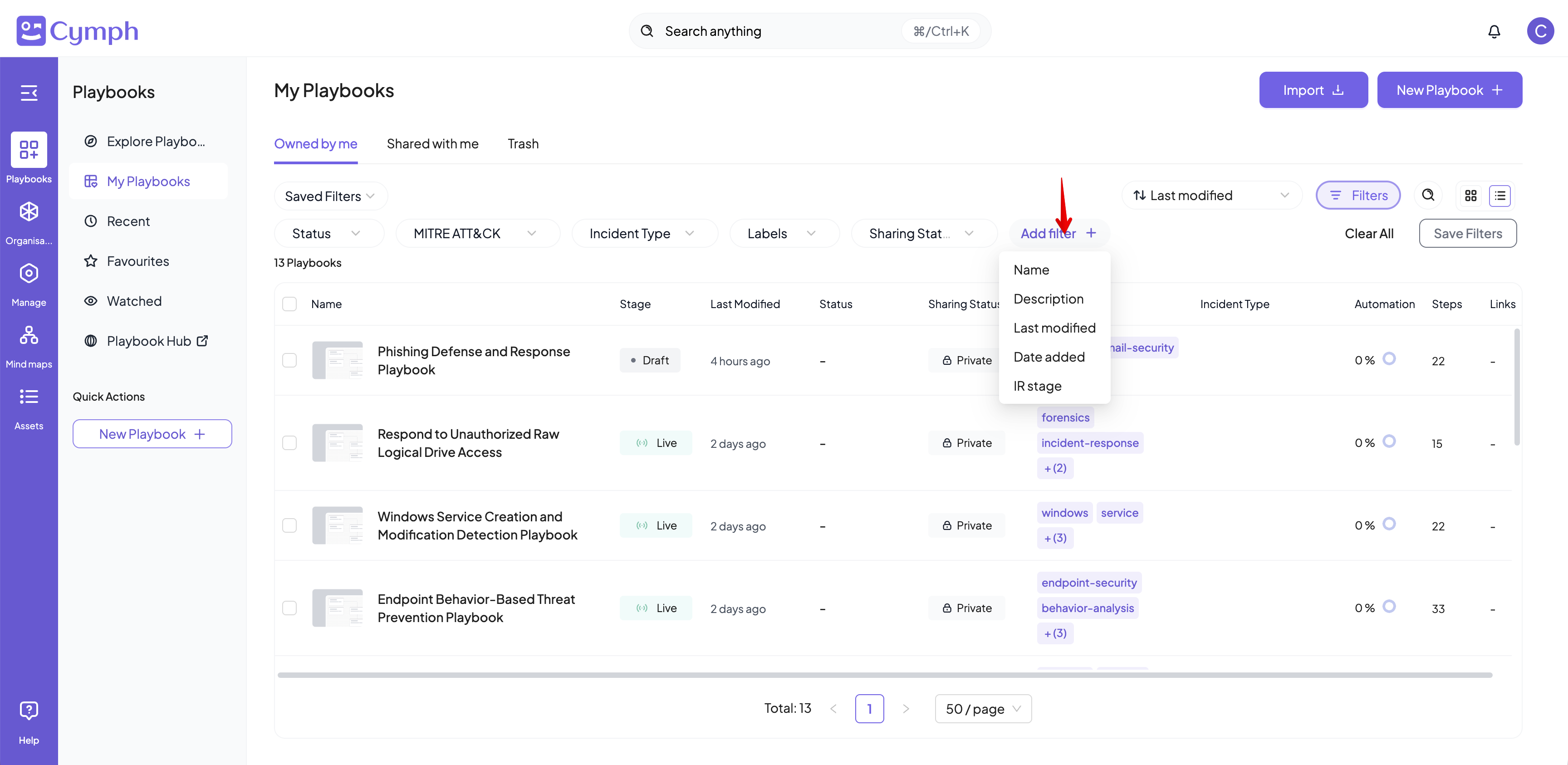
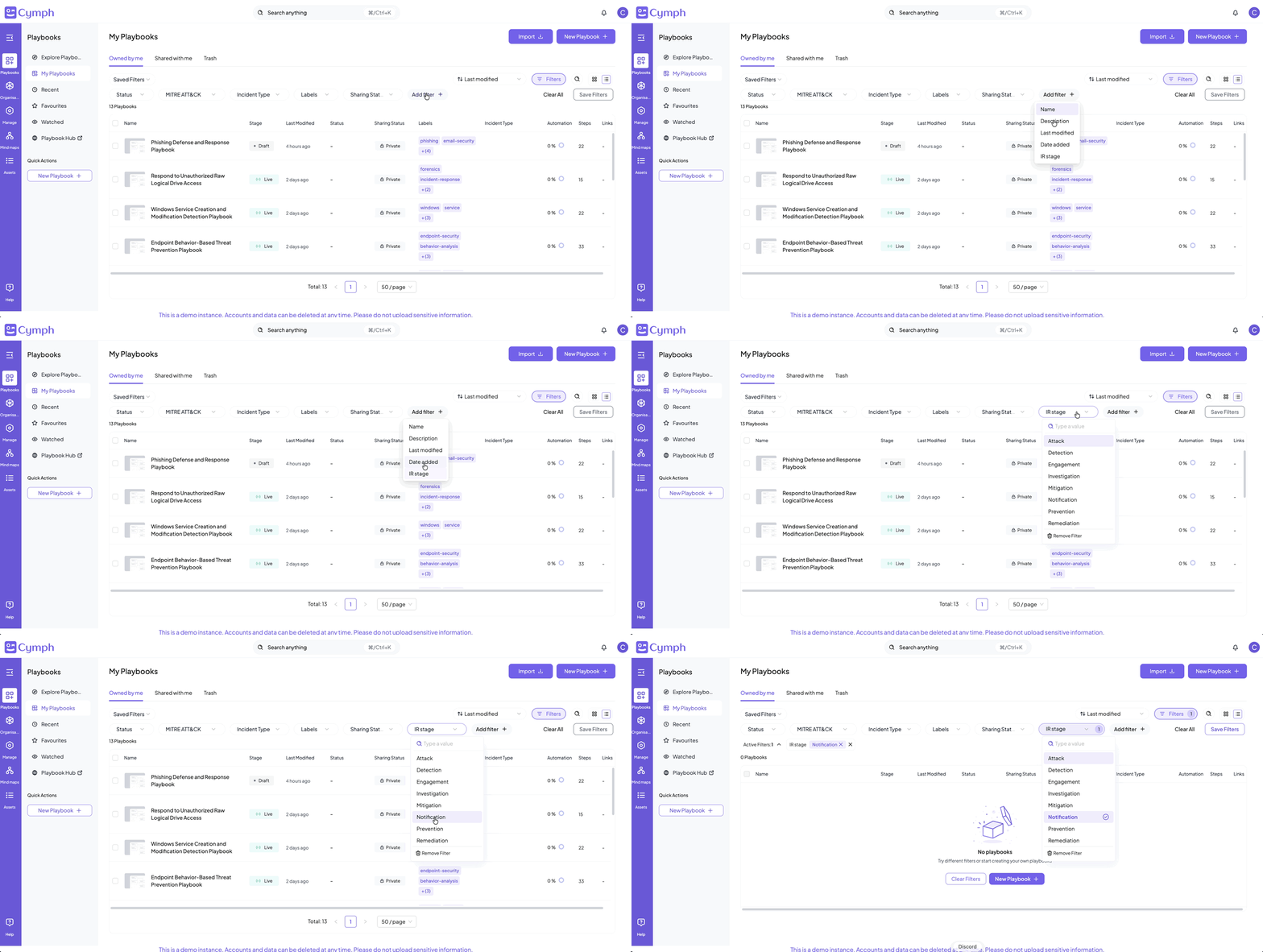
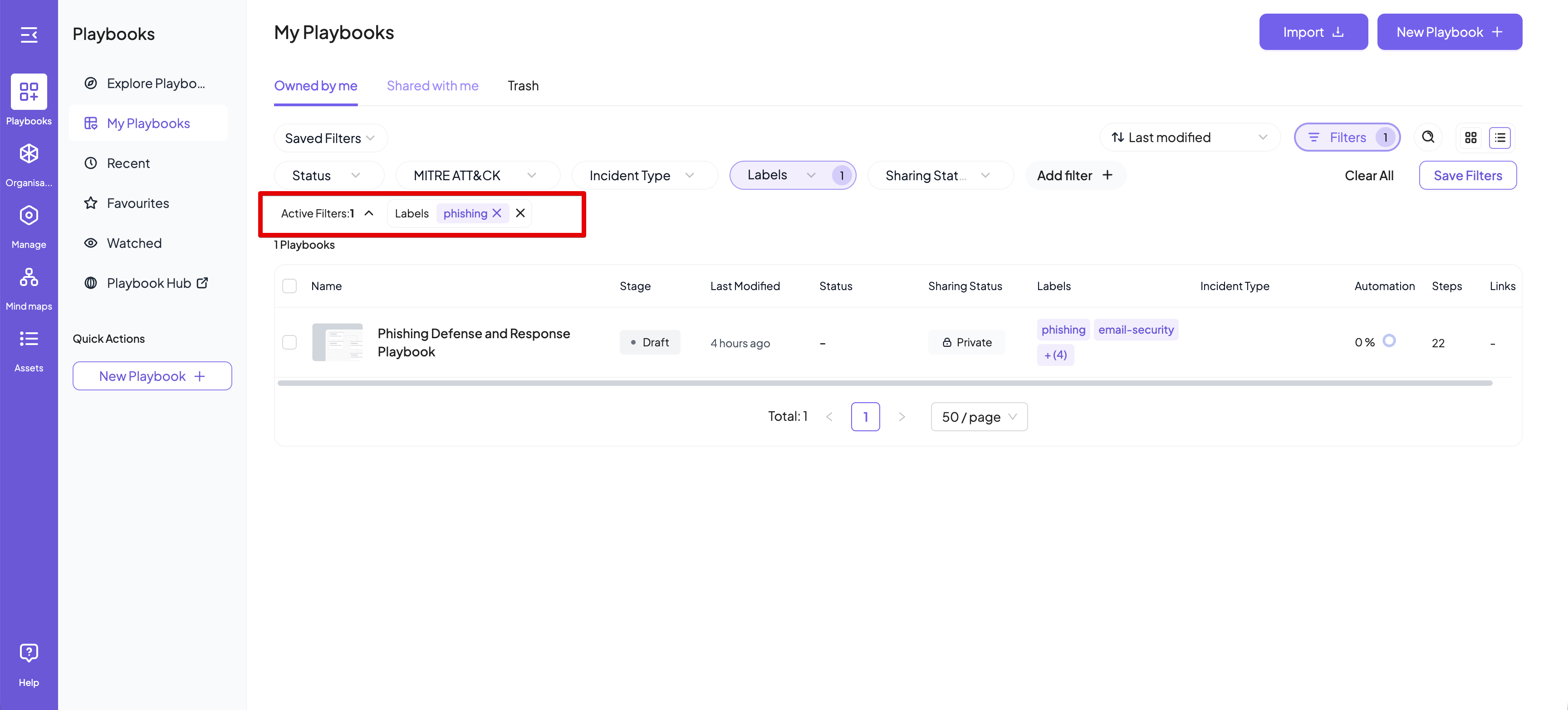
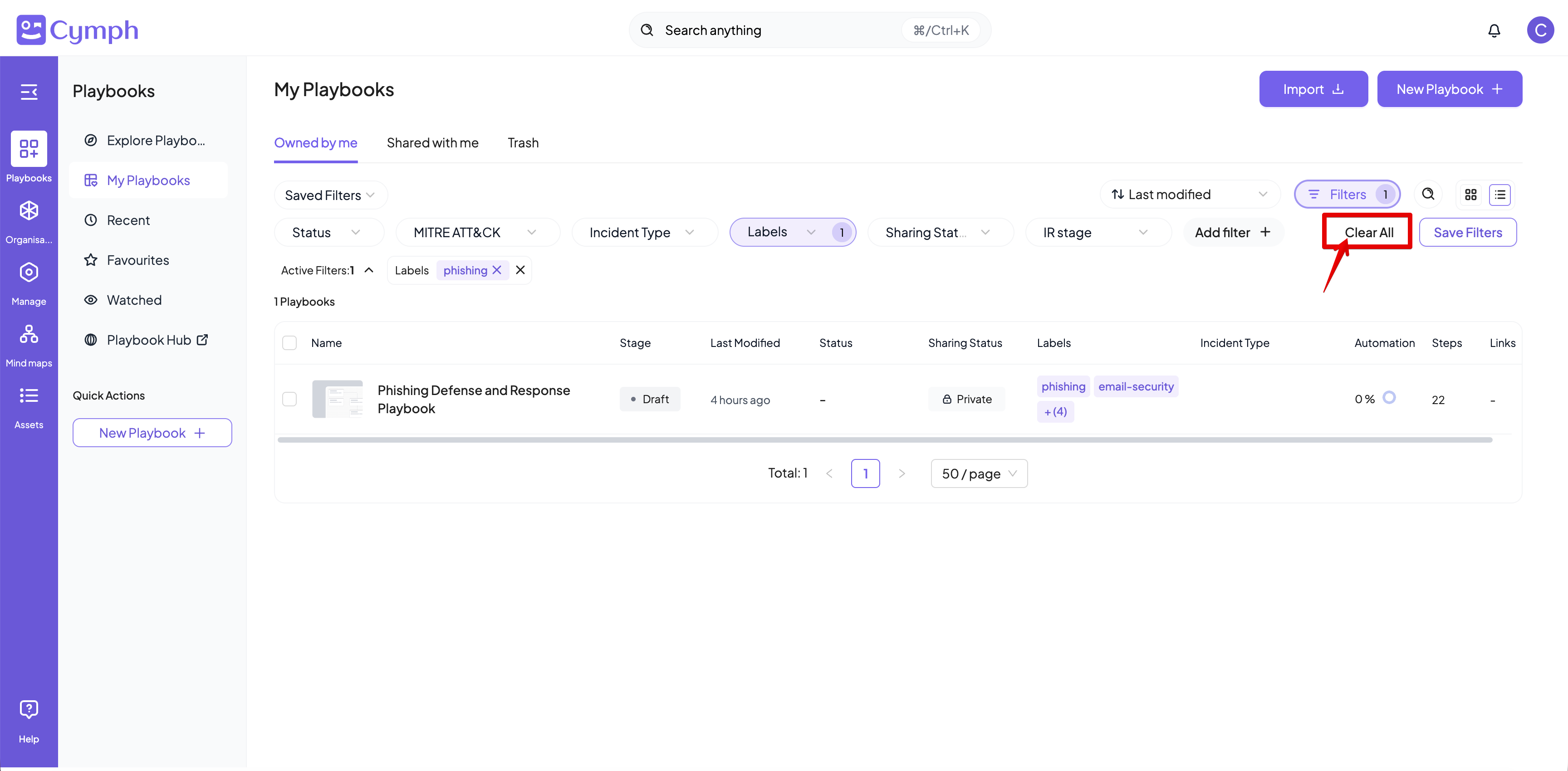
Available filters are displayed by clicking on the Filters bar on top of each playbook table: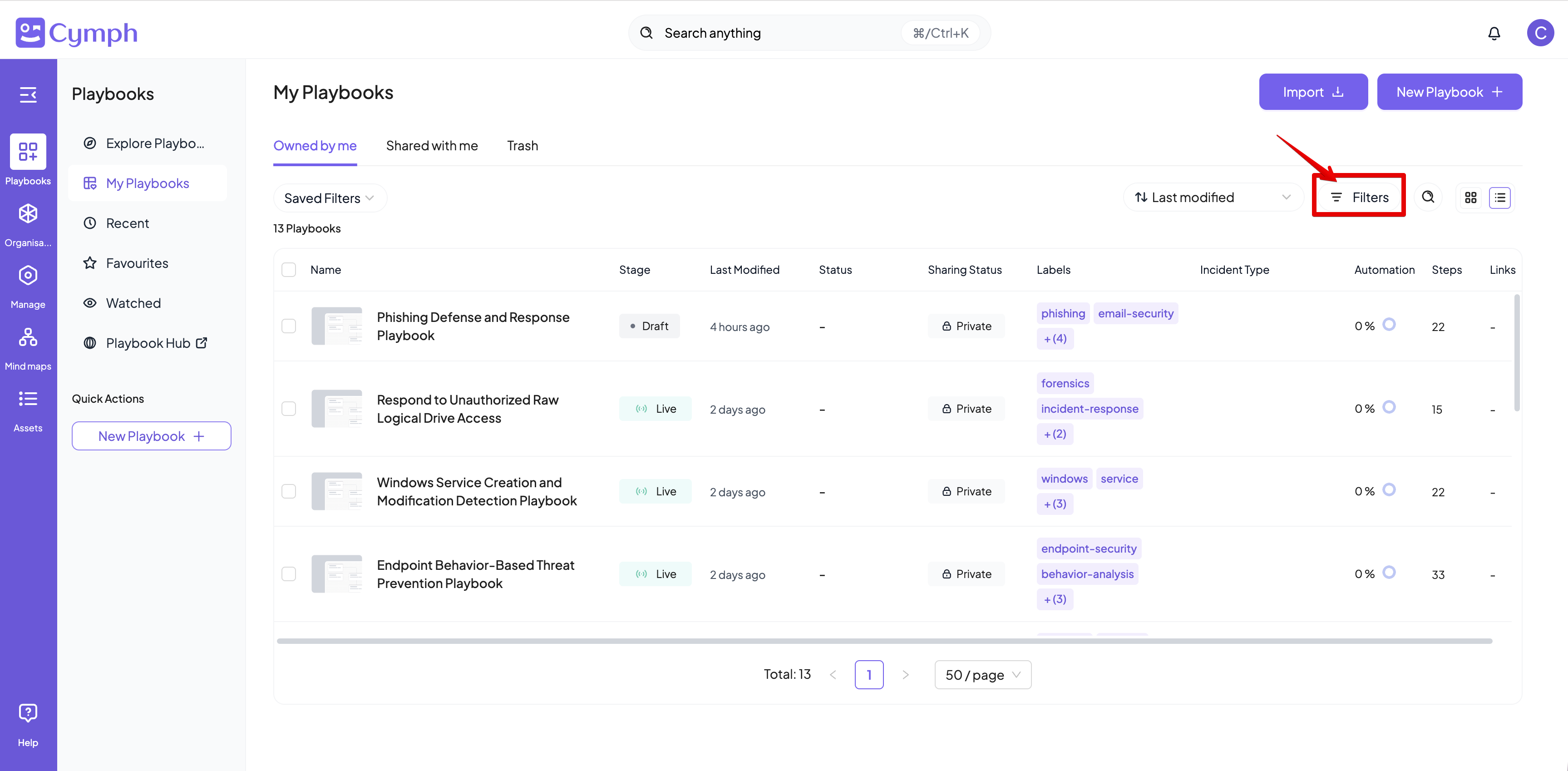
Saving filters
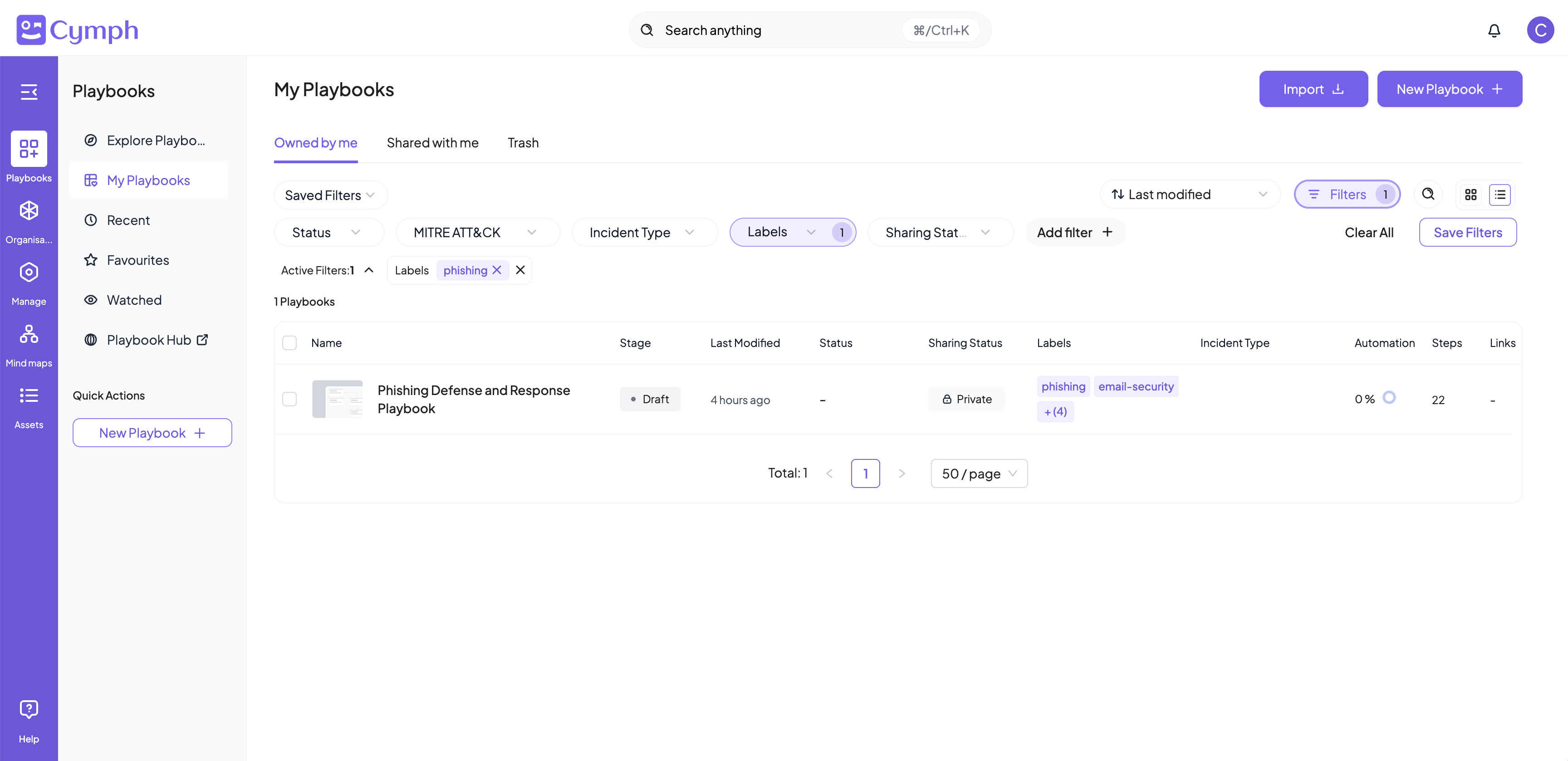
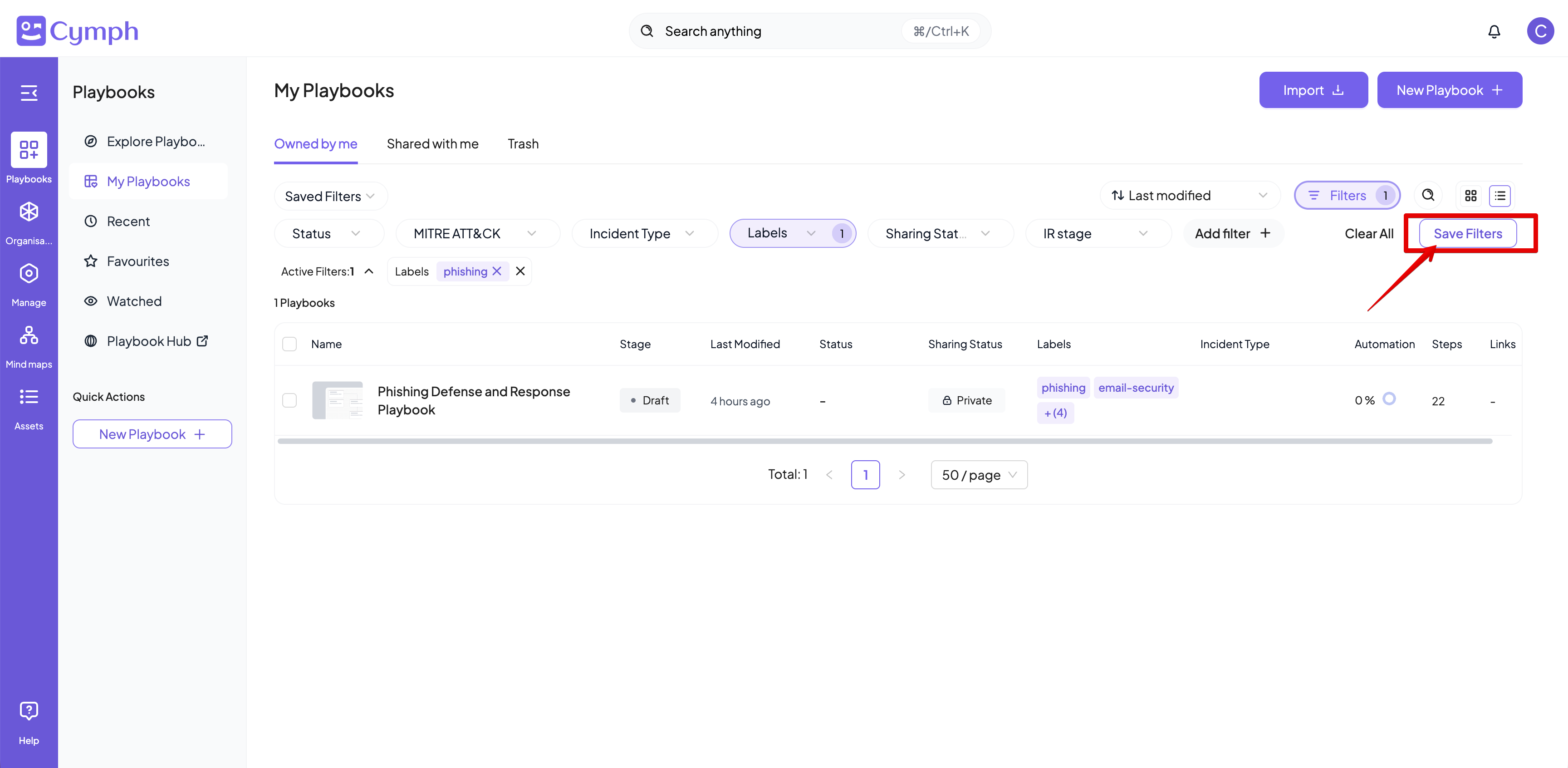
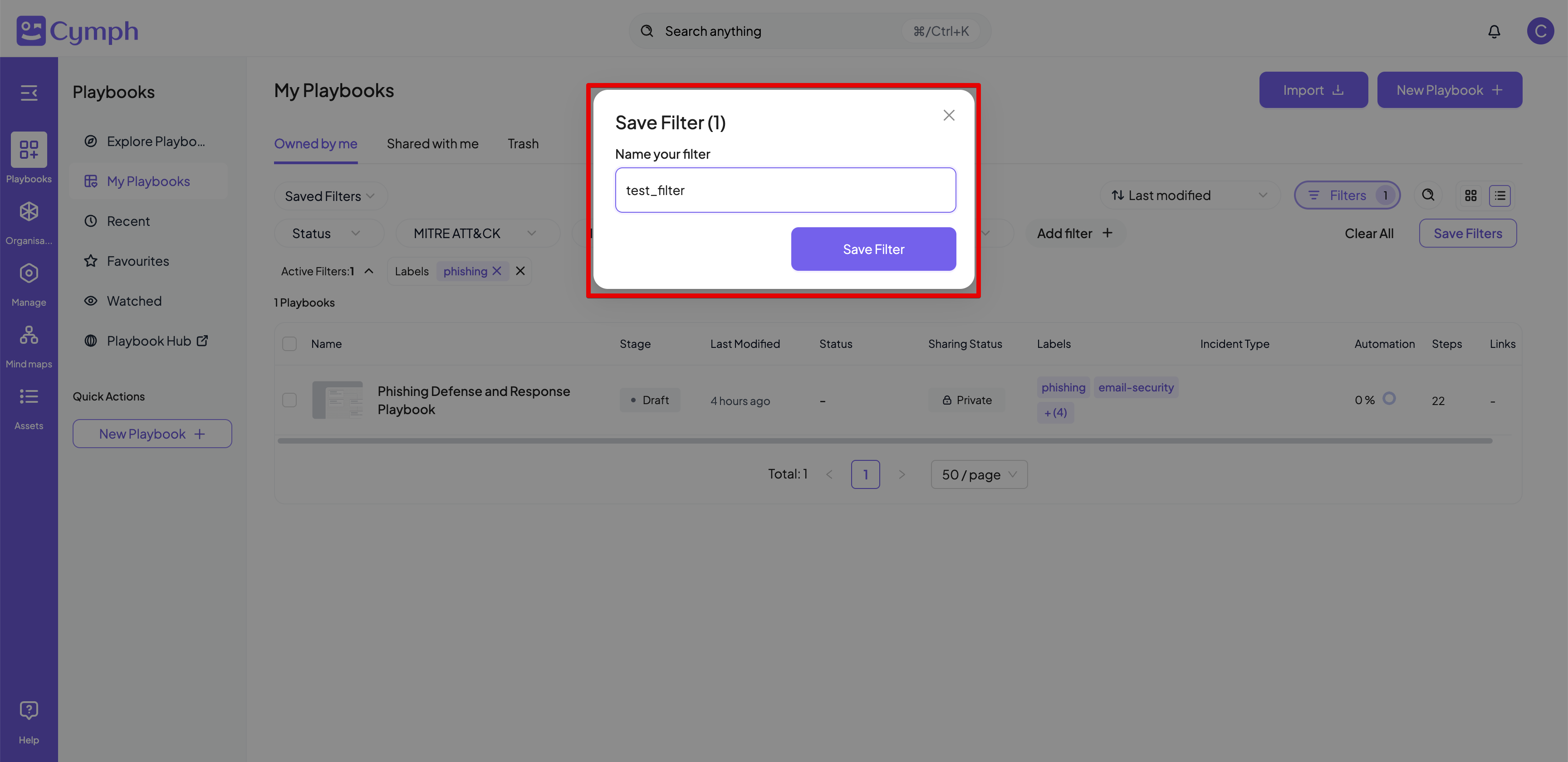
If you use a set of filters frequently, you might find it convenient to save them for further use. Once a set of filters is applied, the Save Filters button will become active.Creating a new saved filter
- Click on Save Filters button
- Provide a name for the saved filter in the dialog box that appears
- Save filter
Using saved filters
- From the filter bar, click Saved Filters
- The list of your saved filters will appear
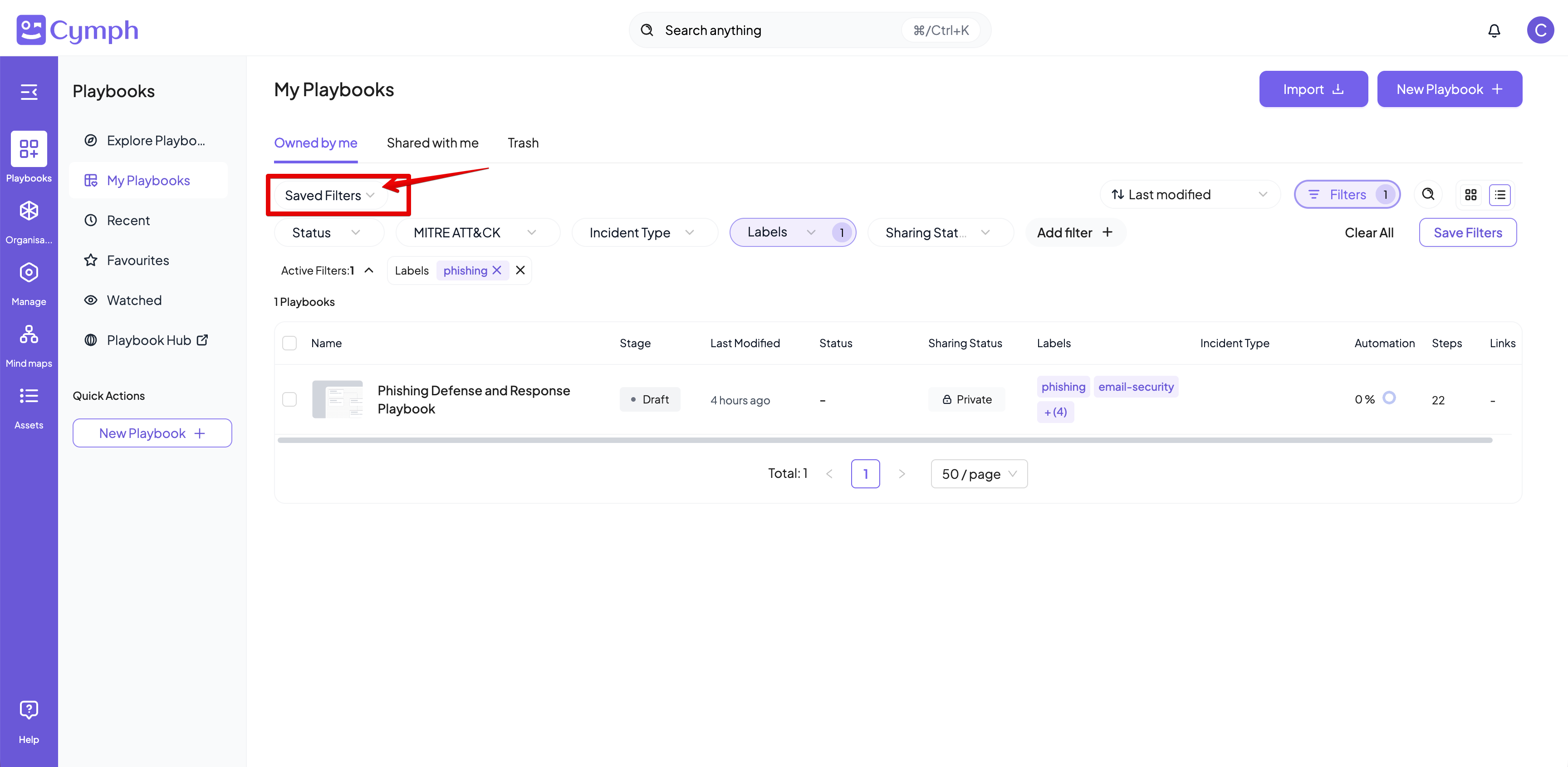
- Select a saved filter
- The selected filter will be immediately applied, overriding any existing filters
Managing saved filters
- From the filter bar, click Saved Filters
- The list of your saved filters will appear
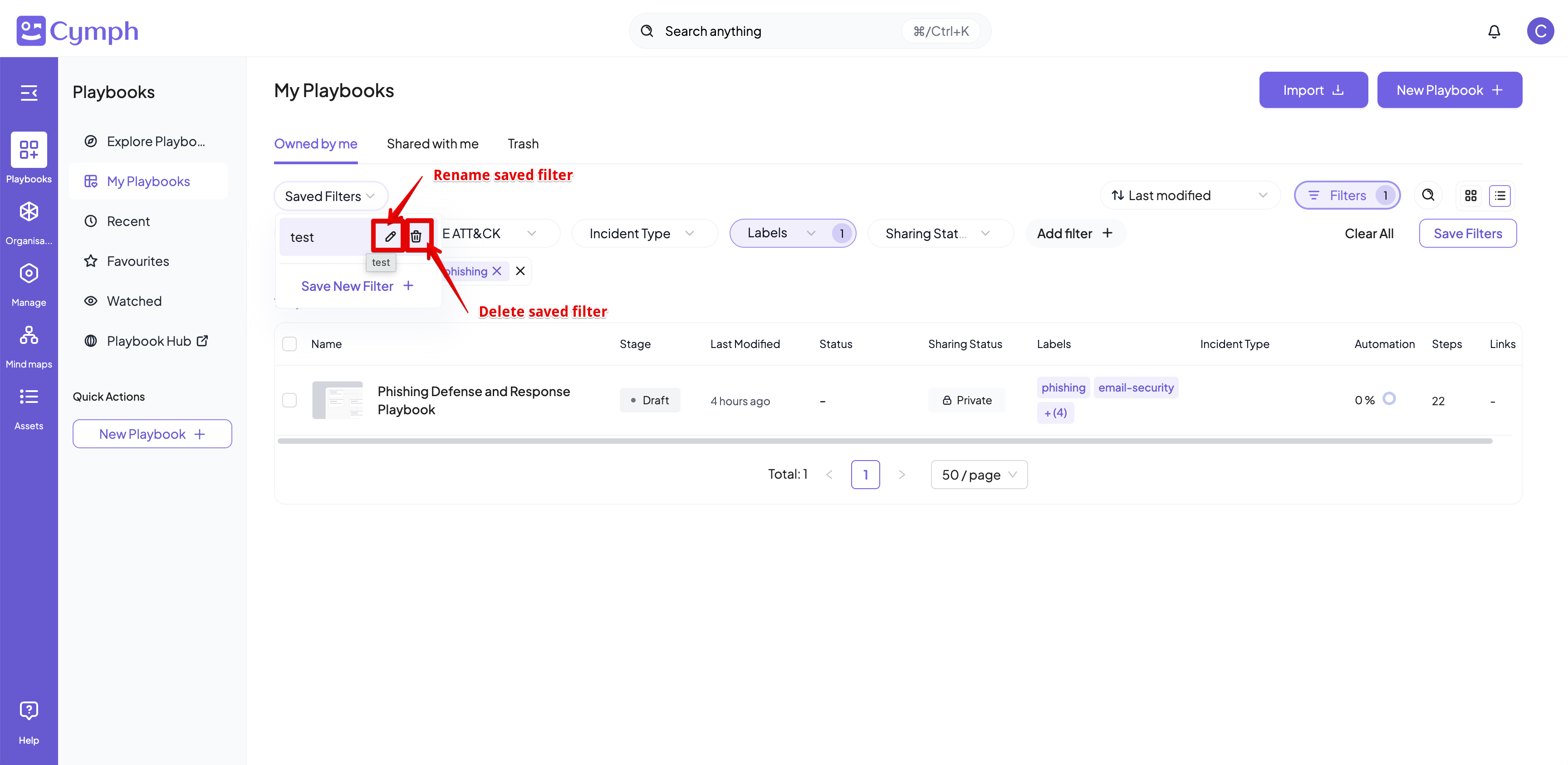
- Hovering on a saved filter, you will see the options to:
- Rename your saved filter
- Delete it