How to create a playbook
Creating a playbook from scratch
- Go to the Playbooks section
- Click on Library from the sidebar menu.
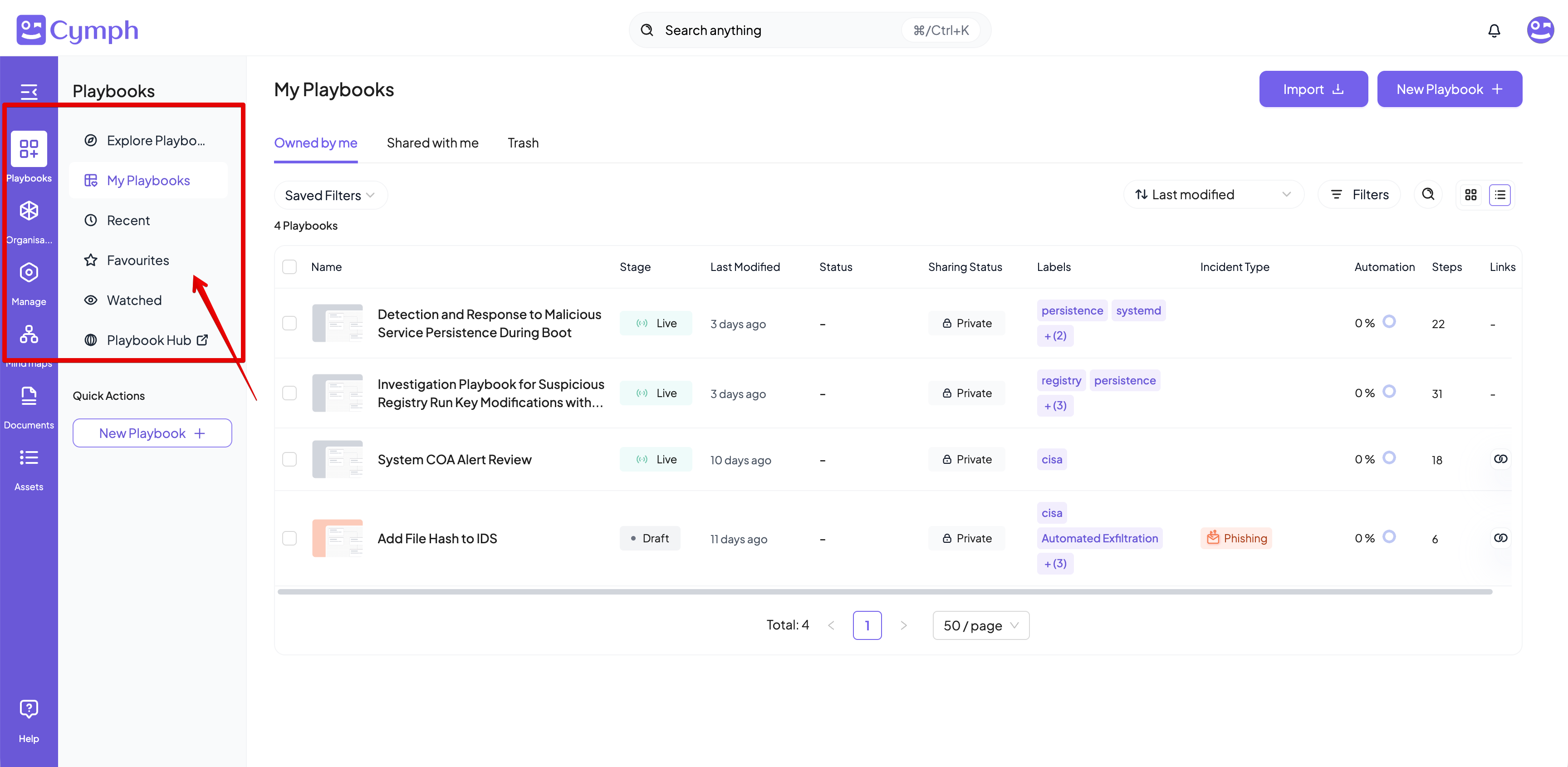
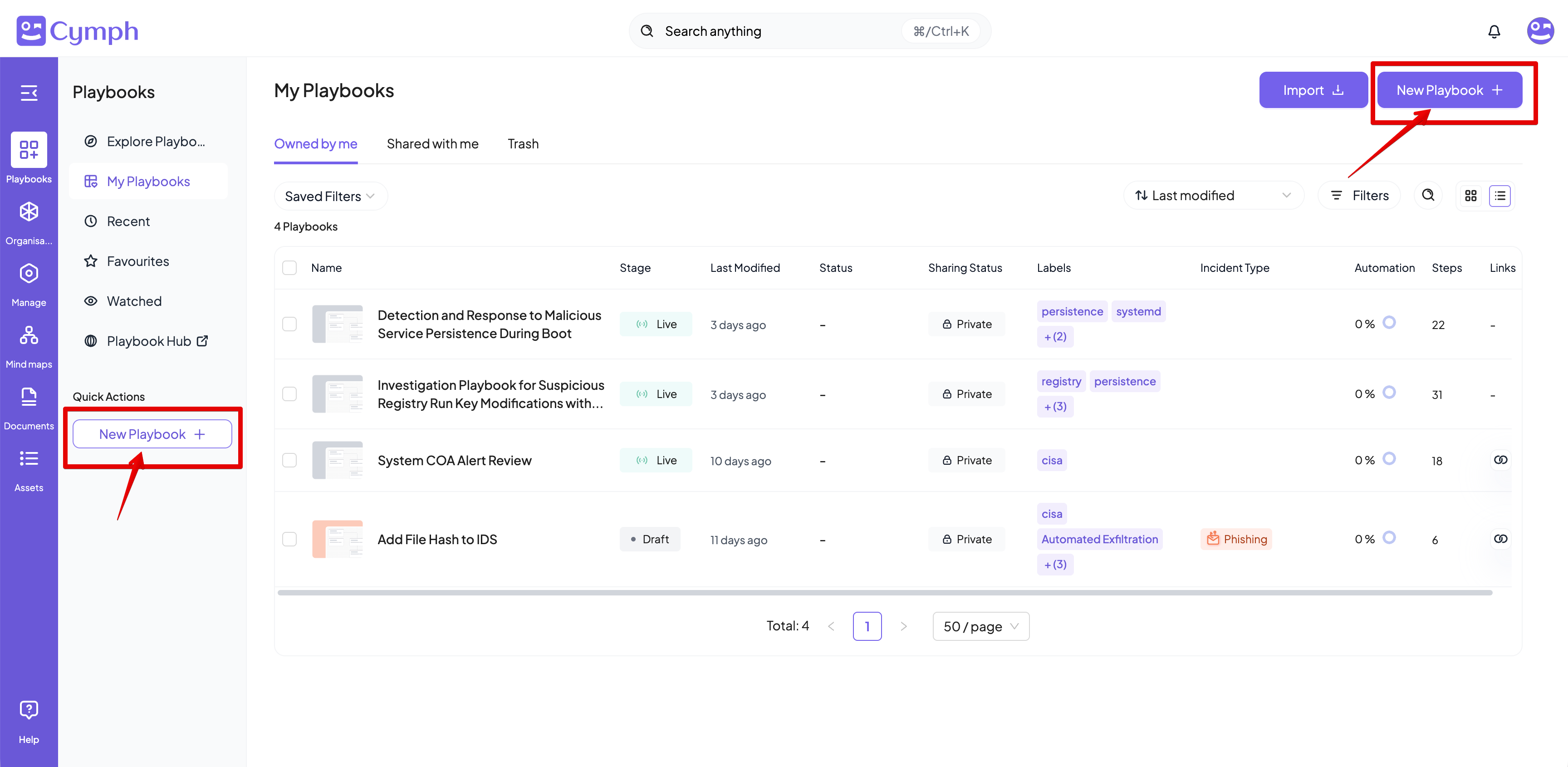
- Click the New Playbook button and then the From Scratch option from the menu that appears.
- Alternatively, you can click on the New Playbook quick action from the sidebar menu
- You will be redirected to the Playbook Editor.
- Your newly created playbook will have a Start Step.
- Edit your playbook.
Learn more: Read the Playbook Editor page for more details on how to design a playbook in the Playbook Editor
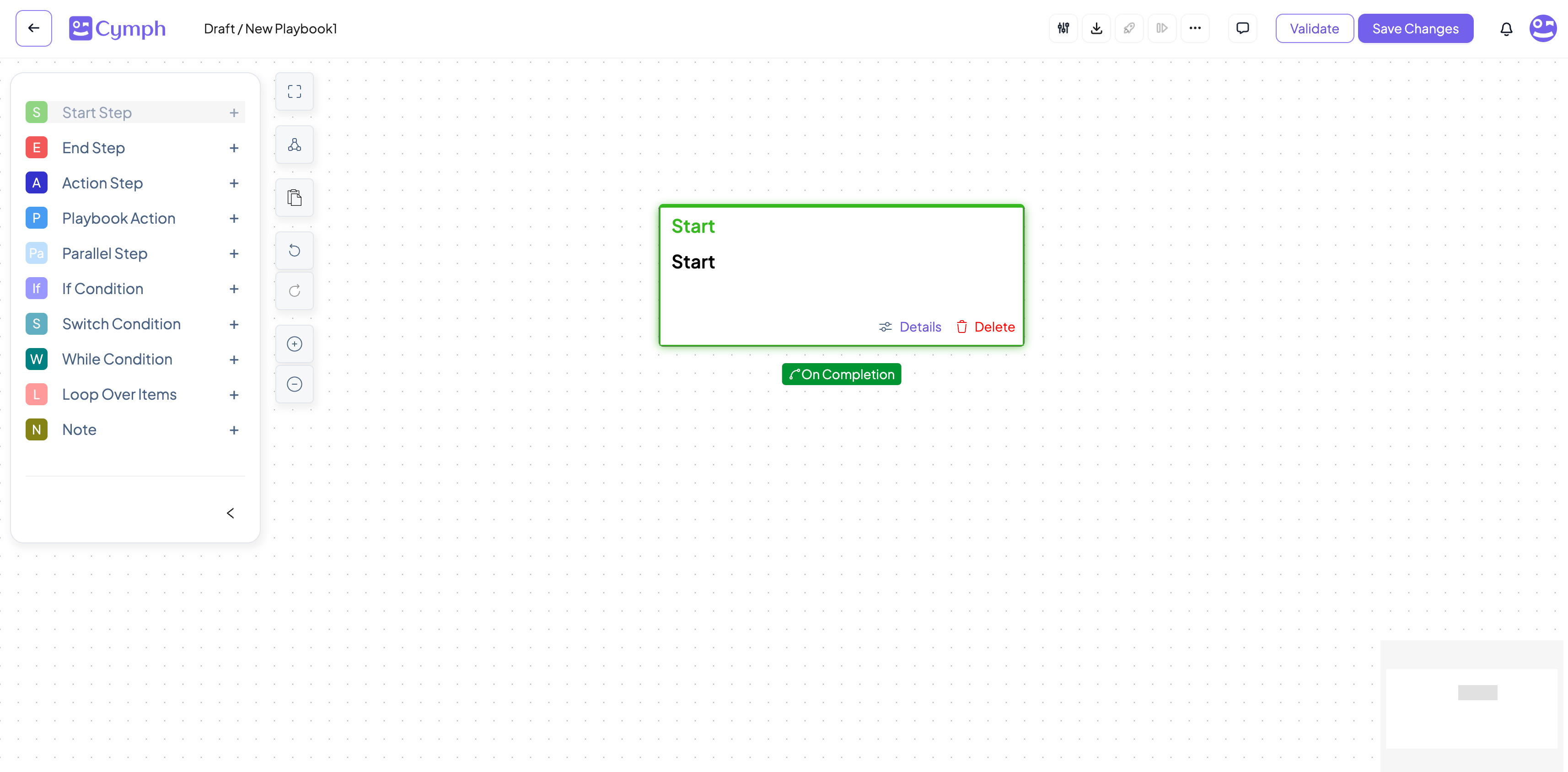
- Save your changes.
- After making all your changes, click the Save Changes button.
AI-assisted playbook generation
In case you dont want to start from scratch, you can provide a description of your playbook so it can be automatically created for you.- Go to the Playbooks section
- Click on Library from the sidebar menu.
- Click the New Playbook button and then the AI-assisted Generation option from the menu that appears.
- Provide your instructions
- Click on Generate Playbook when you are done
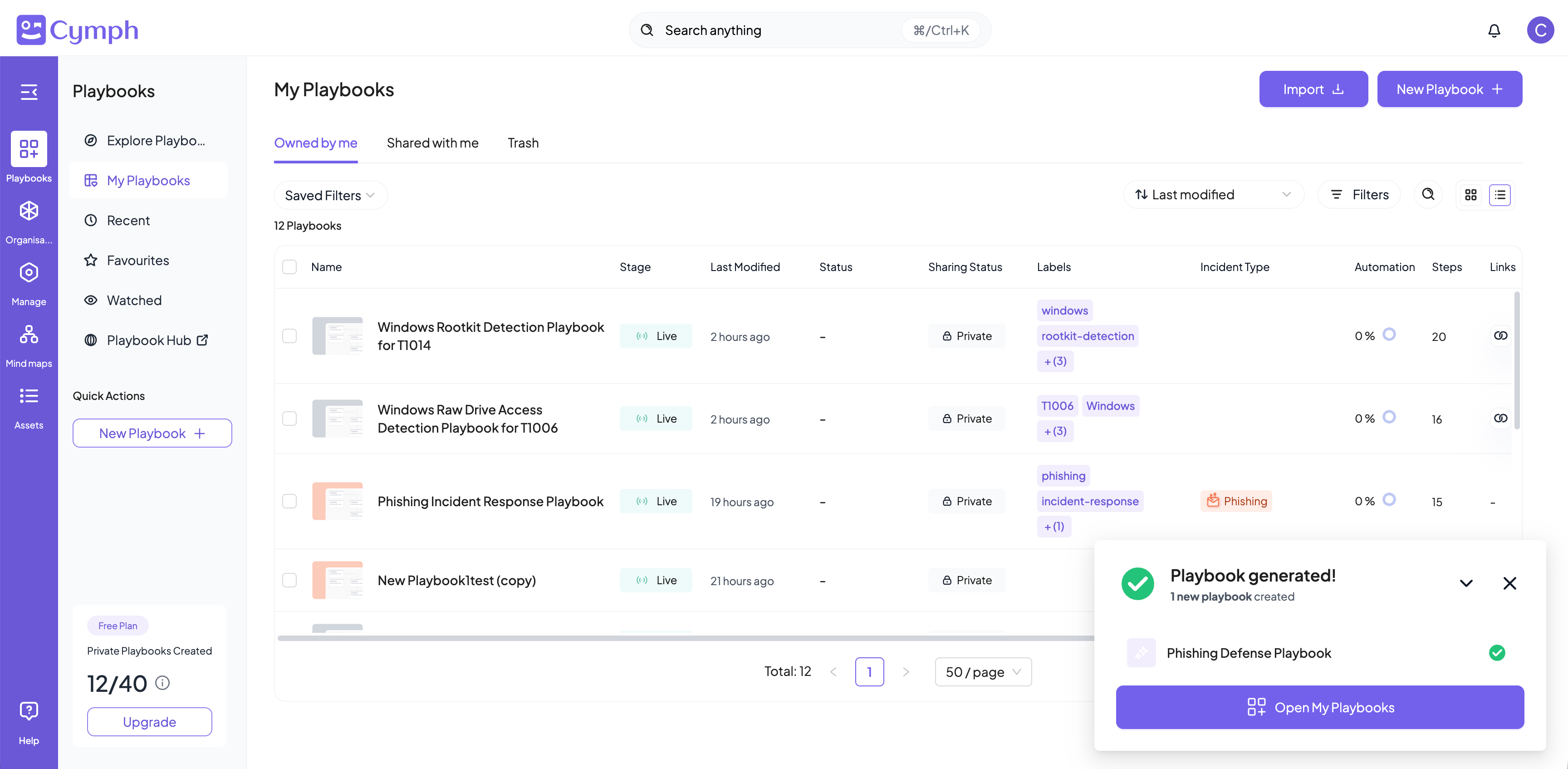
 The playbook generation happens at the background. You can track the generation status from the progress dialog box at the bottom right corner of the application: