

How to create an ensemble
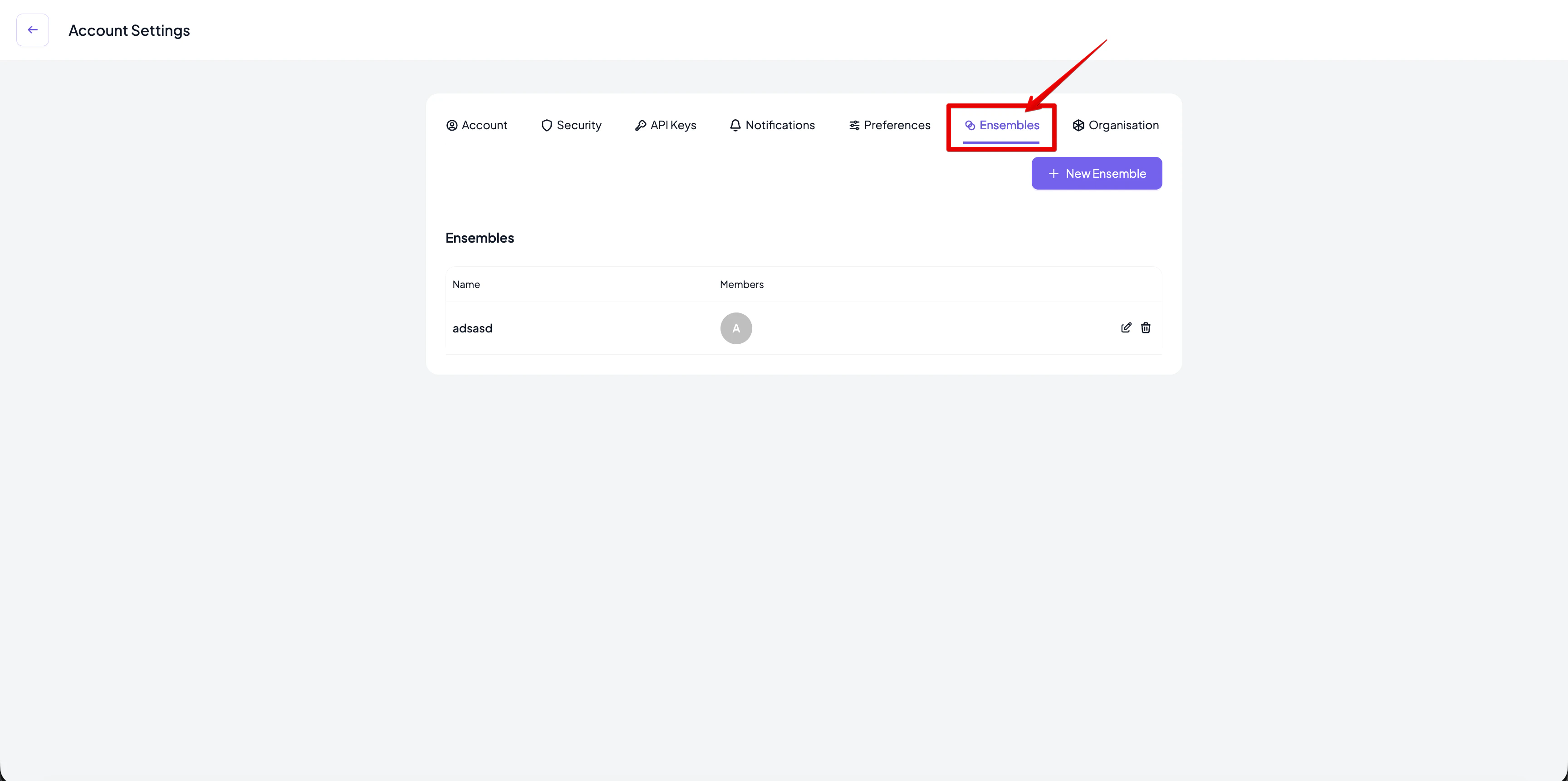
- Navigate to the Ensembles page.
- From the account settings menu, select Ensembles.
- Click the New Ensemble button.
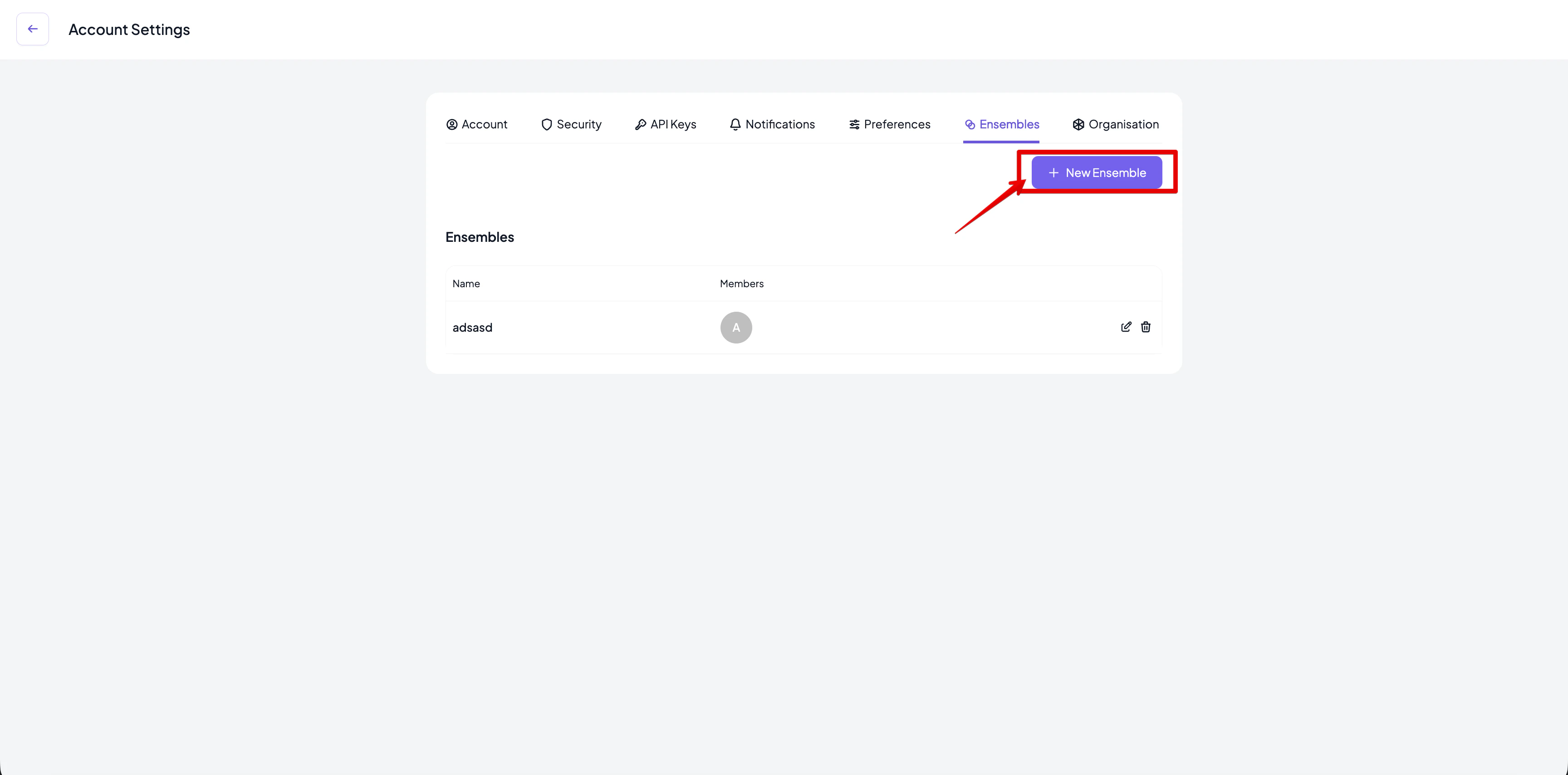
- Add the information about the ensemble in the Add Ensemble dialog box that appears.
- Give it a name. Ensemble names are unique per user.
- Enter the list of organisations that will be part of the ensemble.
- Add the ensemble.
- Click on Add Ensemble.
- The new ensemble will appear in your list of ensembles.
How to update an existing ensemble
- Go to the Ensembles page of your account settings.
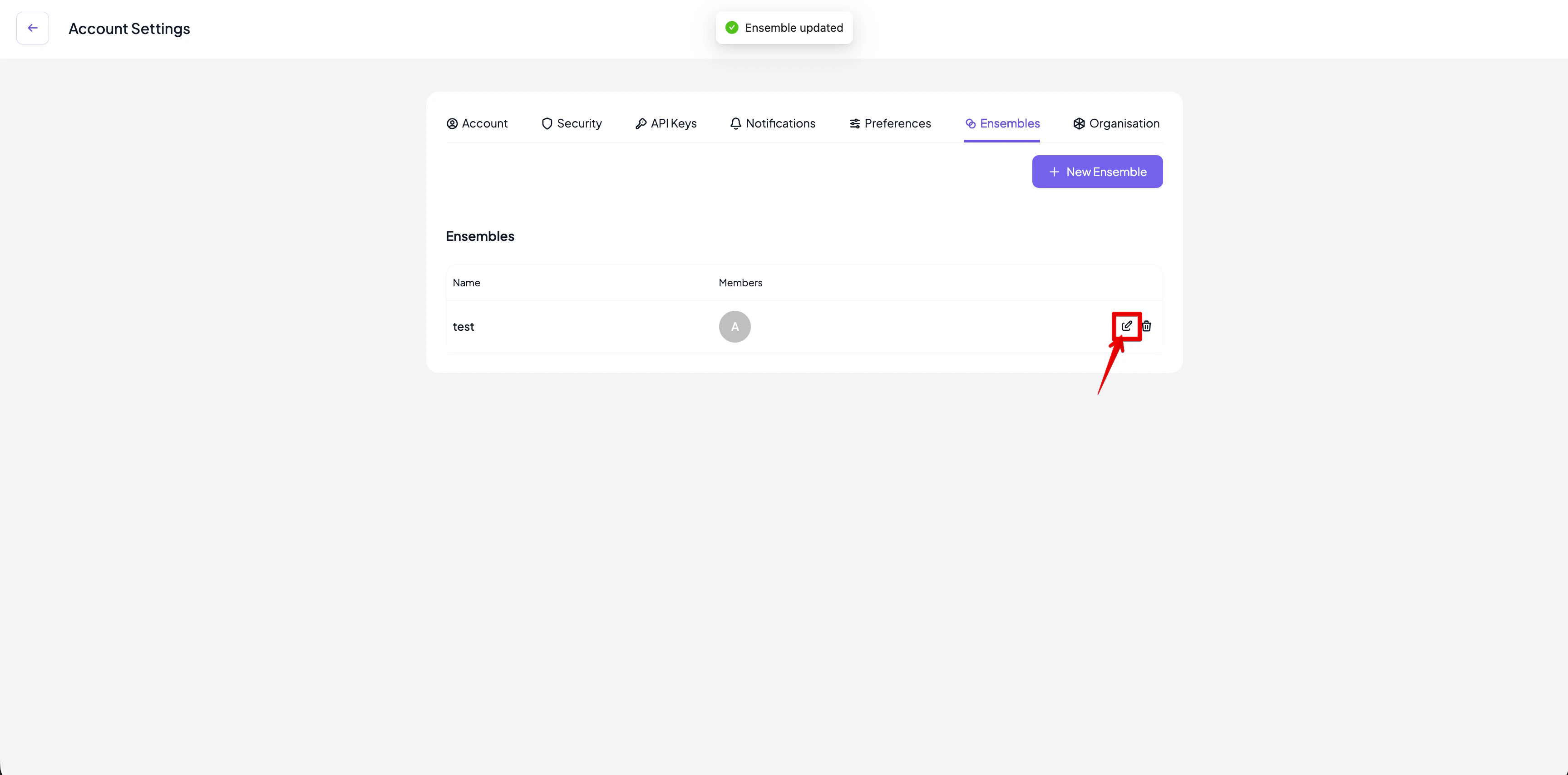
- Click the Edit icon next to the ensemble you want to modify.
- An Edit ensemble dialog box with the details of the ensemble will appear.
- Enter the new information for the ensemble.
- Provide a new name (optional).
- Update the list of organisations (optional).
- Click on Update Ensemble once the updated information is keyed in.
- The list of ensembles will be updated with the latest information.
How to delete an ensemble
- Go to the Ensembles page.
- Click the Delete icon next to the ensemble you want to delete.
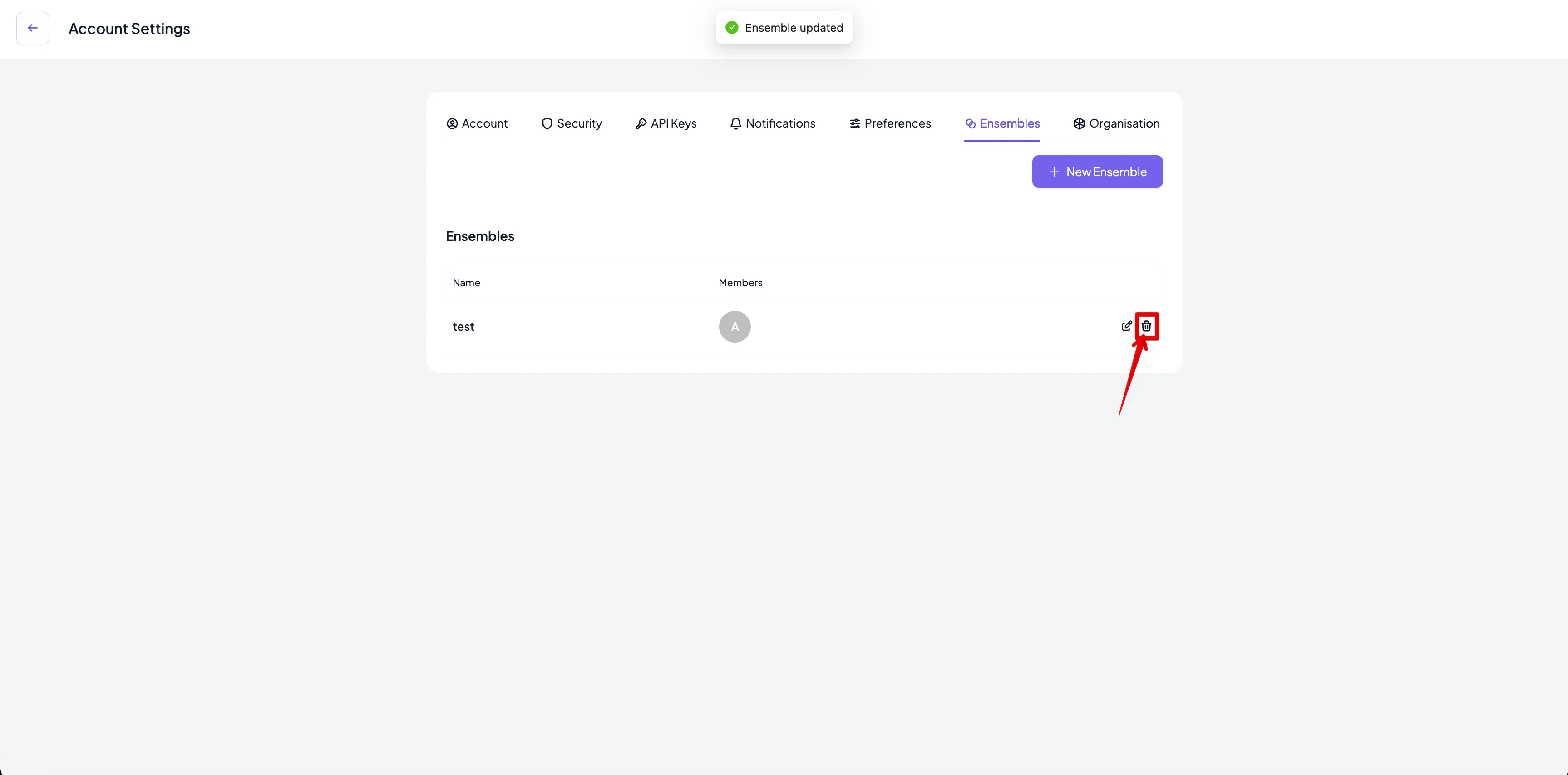
- Click Delete to confirm the deletion.
- The list of ensembles will be updated automatically.