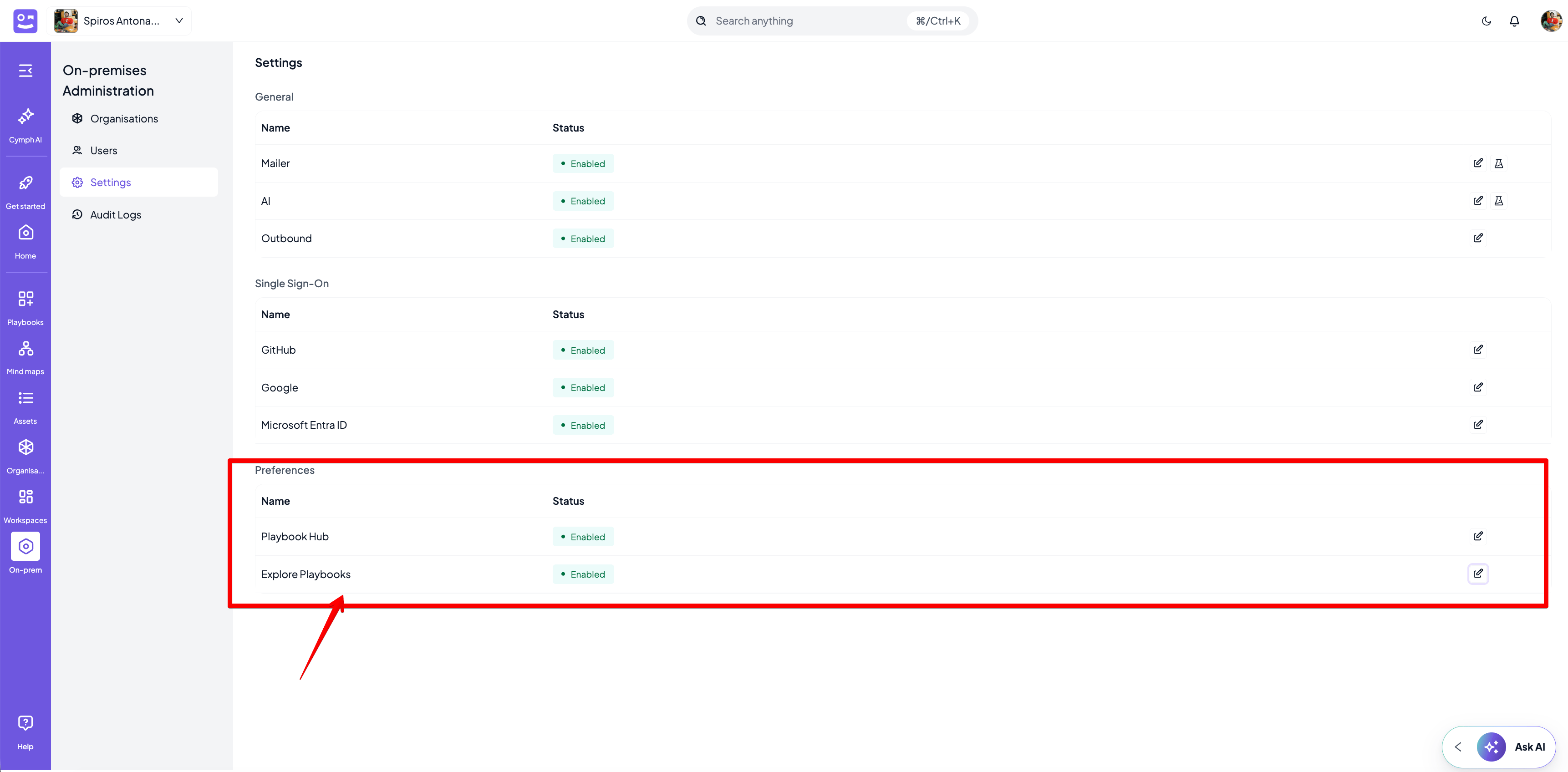
https://demo-instance.cymph.io/hub where published playbooks will be available without authentication to the platform. Explore playbooks setting allows users to navigate through the public playbooks from within the web application.
- Go to On-prem settings page
- Click on On-prem from the navigation menu, then Settings
- Enable or disable Playbook Hub
- Enable or disable Explore Playbooks