> ## Documentation Index
> Fetch the complete documentation index at: https://docs.cymph.io/llms.txt
> Use this file to discover all available pages before exploring further.
# Language settings
## How to edit your language settings
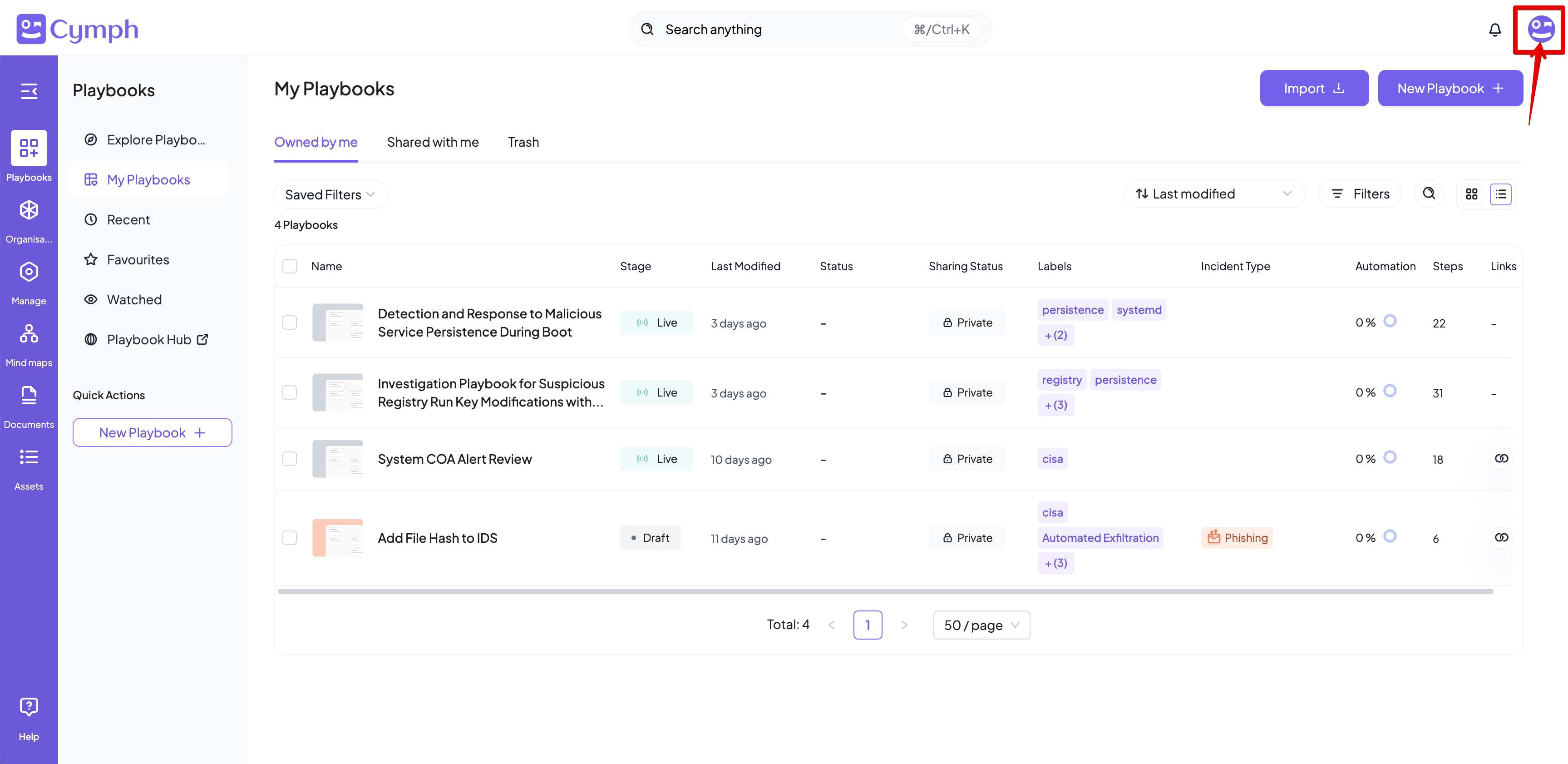
1. Go to your profile menu.
* **Click your profile picture** on the top right corner of the dashboard.
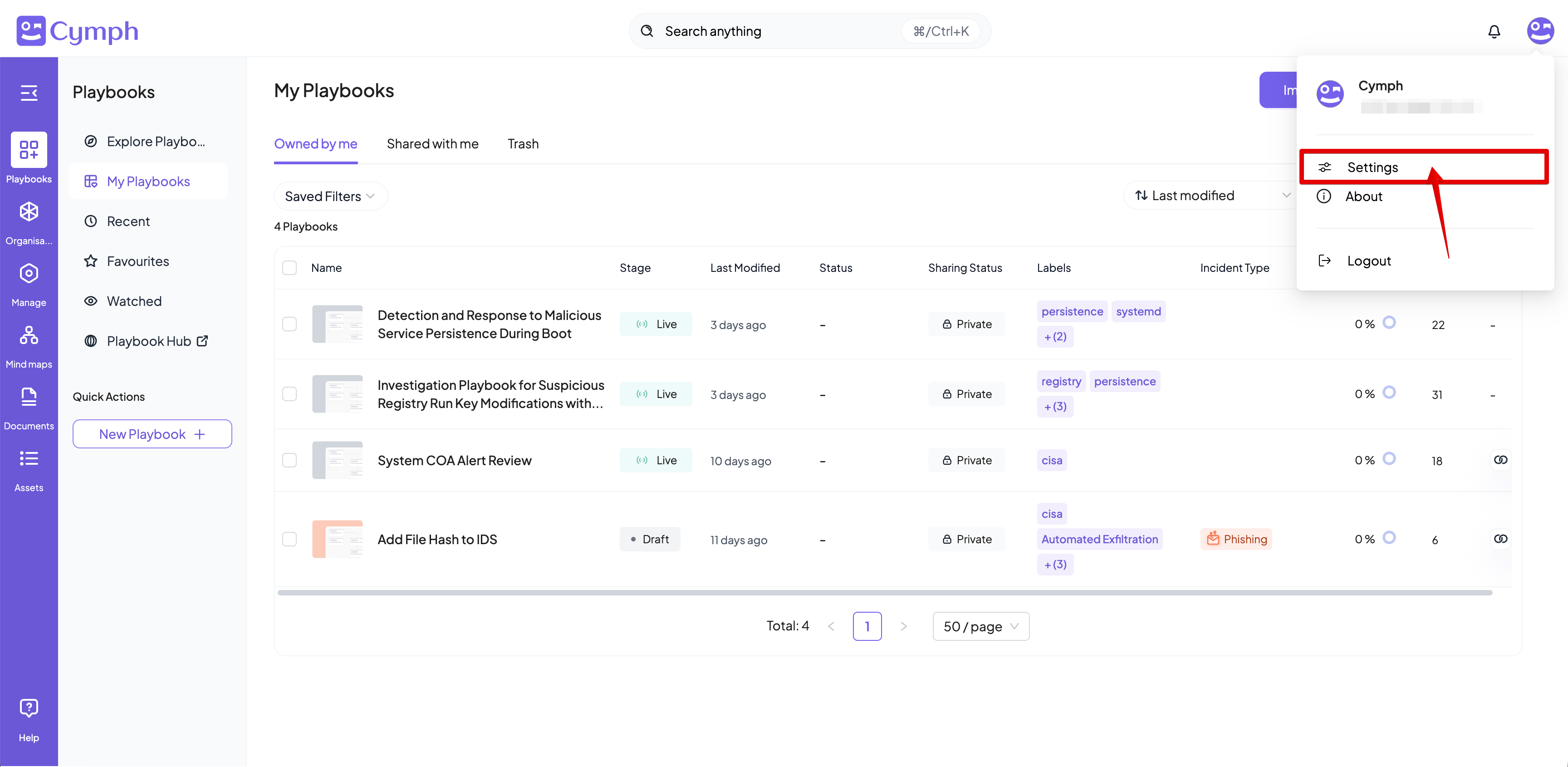
 2. Go to your settings.
* Click **Settings.**
2. Go to your settings.
* Click **Settings.**
 3. Go to **Preferences**
4. Select the language to be used for the user interface
3. Go to **Preferences**
4. Select the language to be used for the user interface
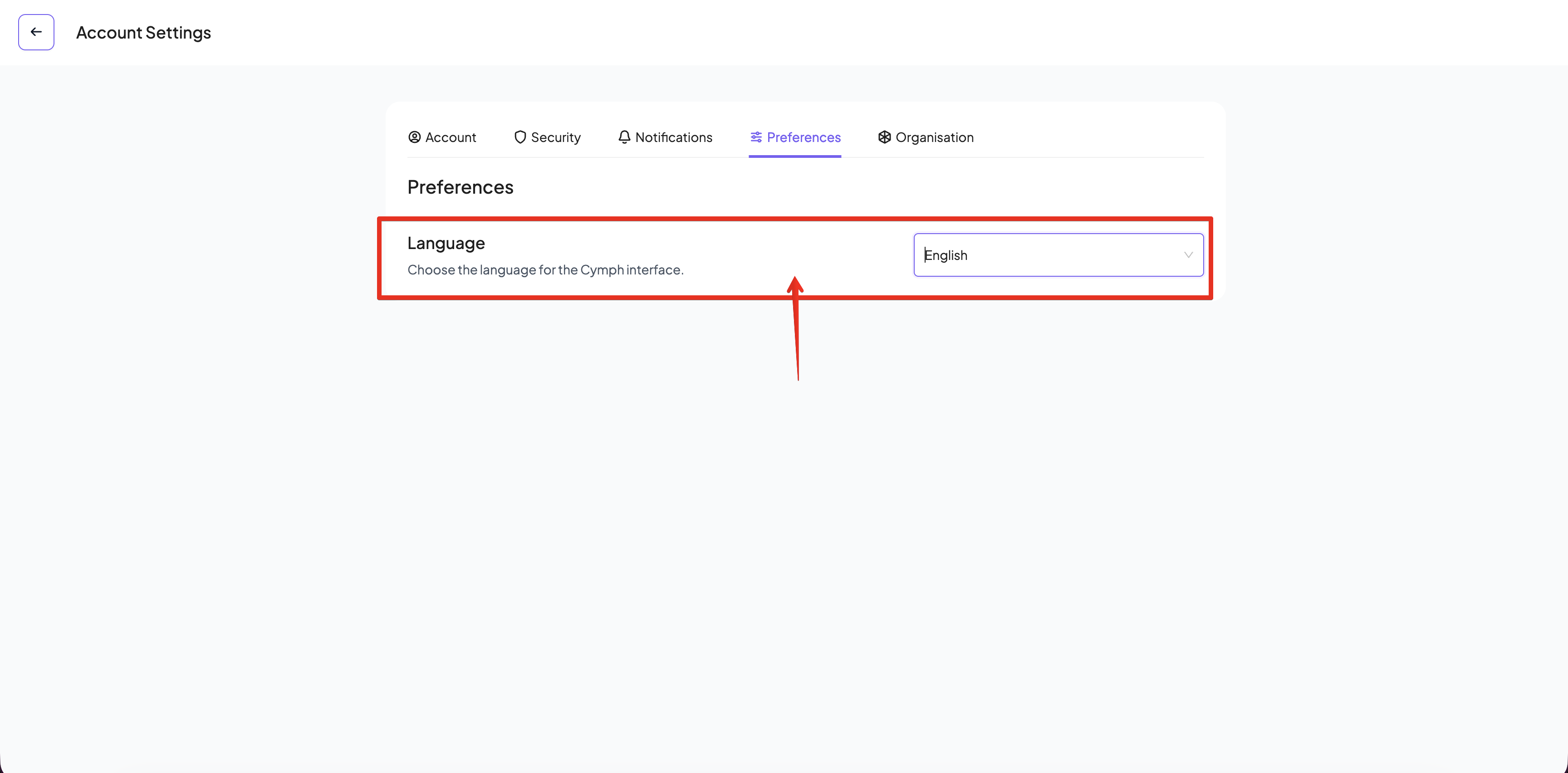 5. The user interface will be automatically refreshed upon selection of a language